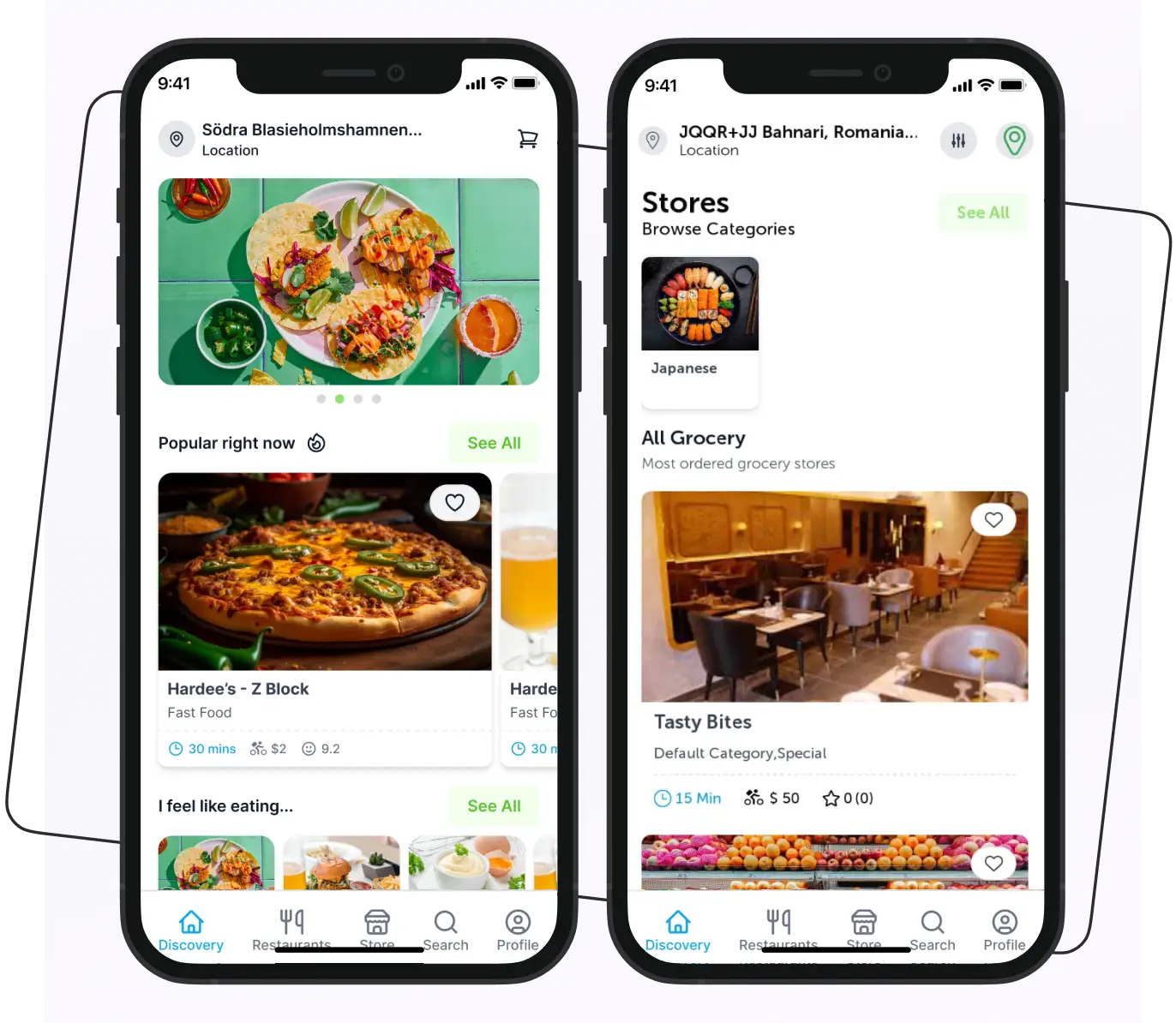
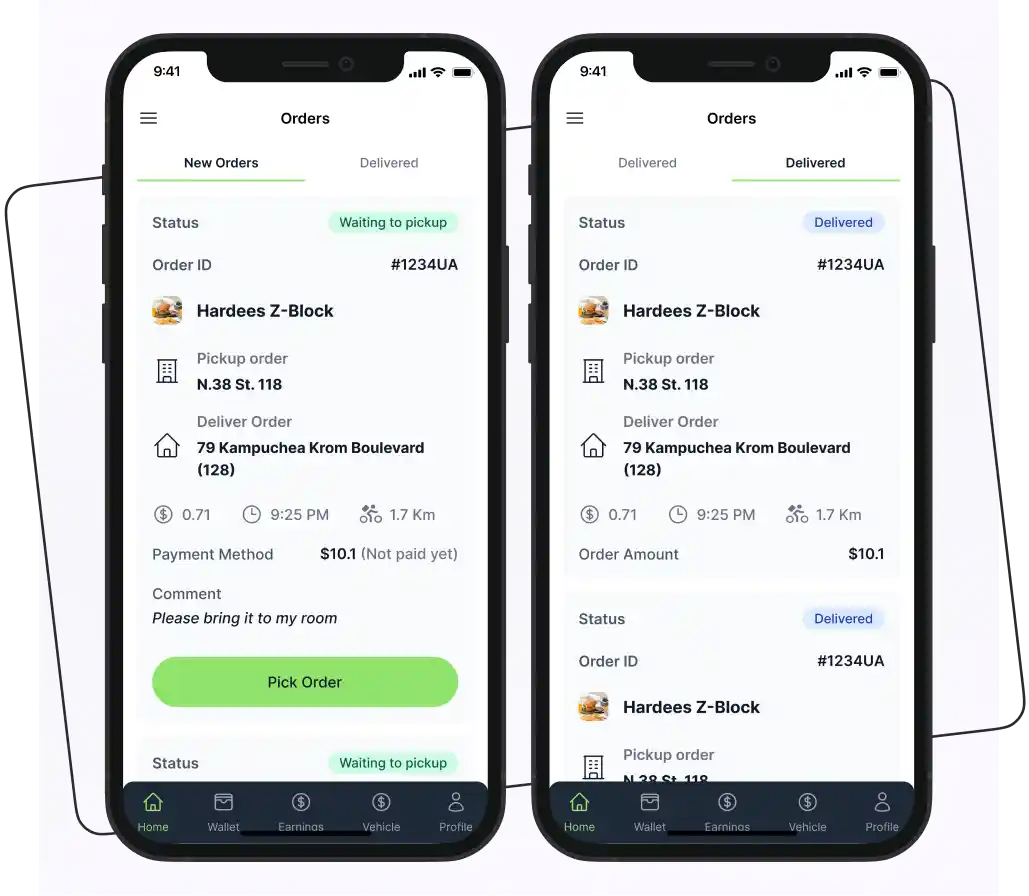
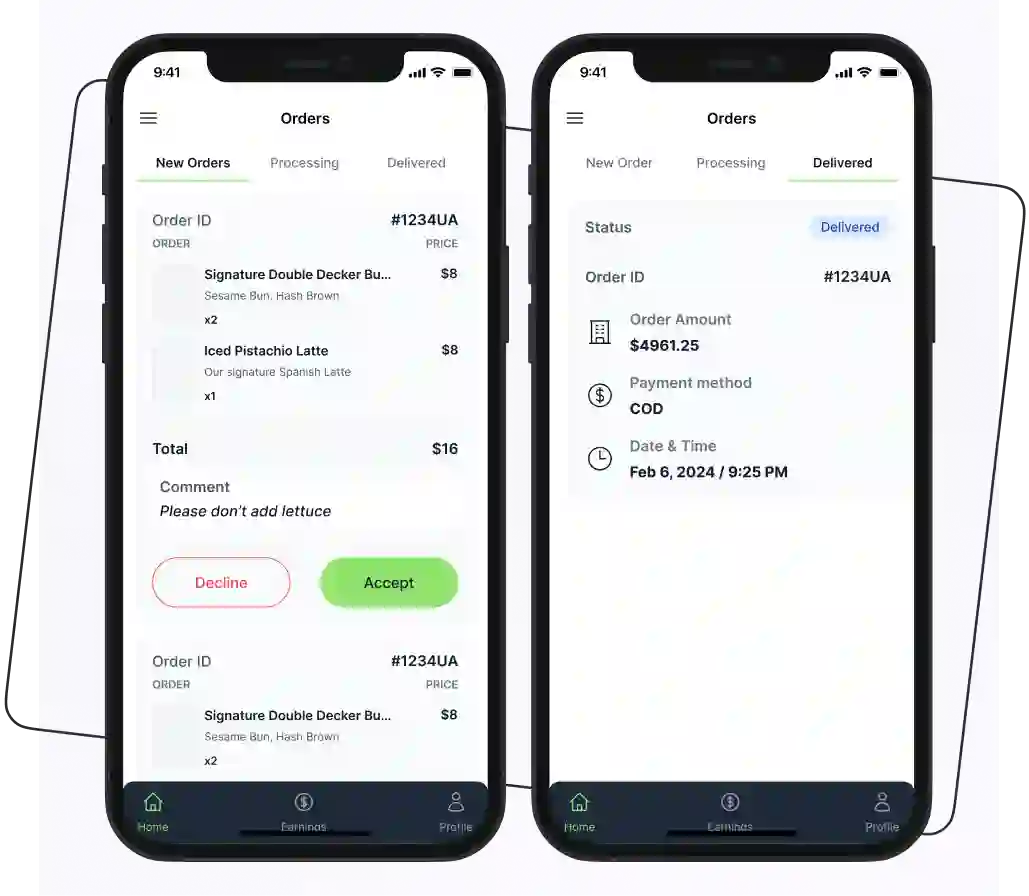
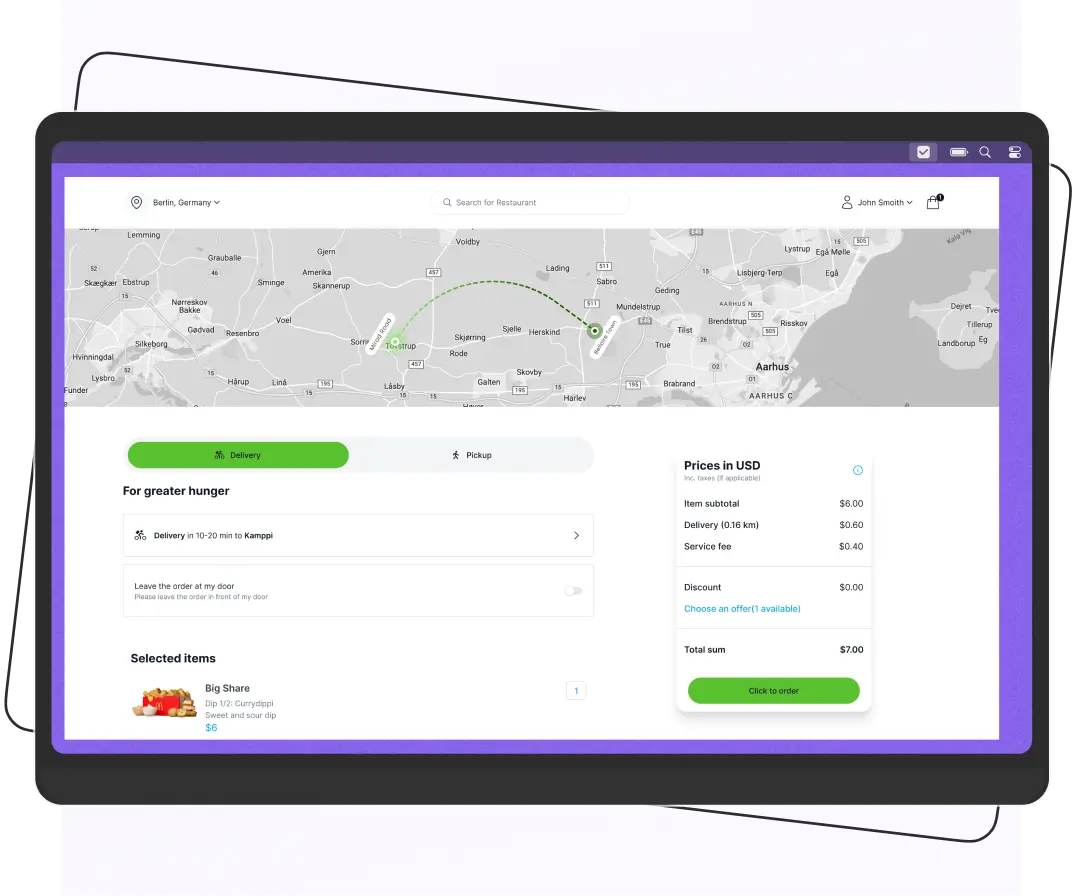
Get Backend API for Online Food Ordering App Android Studio
Experiment with the online food ordering app android studio frontend code at no cost. For production-ready backend API, book a meeting with our sales team. Setup guides and examples are shared publicly.



Frequently Asked Questions
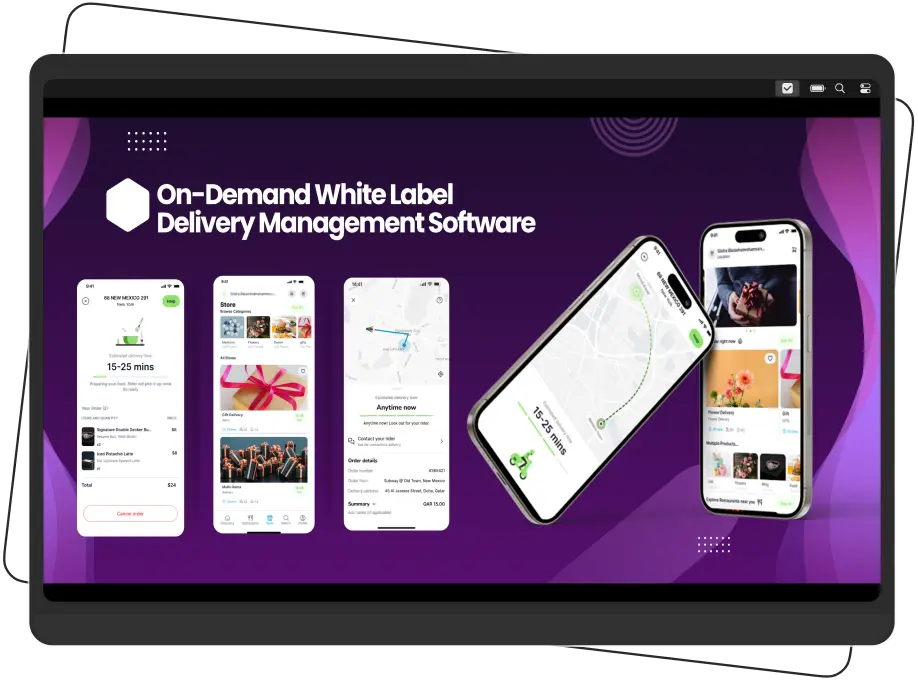
An online food ordering app is a digital platform that allows users to browse menus, place orders, and have food delivered from local restaurants directly to their homes. How it Works? User Registration: Users create an account by providing their details, such as name, email, and delivery address. Some apps may offer social media sign-up options. Menu Browsing: Users can explore various restaurants and their menus, which typically include images, descriptions, and prices of the dishes offered. Order Placement: Users select items from the menu, often with customization options (e.g., toppings, portion sizes), and add them to their cart. Checkout Process: After reviewing their orders in the cart, users proceed to checkout, where they enter delivery information and choose a payment method (credit/debit card, digital wallet, or cash on delivery). Order Confirmation: Once the order is placed, users receive a confirmation notification with estimated delivery time and order details. Real-Time Order Tracking: Users can track their orders in real time, receiving updates on the status of their food, from preparation to delivery. Delivery: Delivery drivers receive the order details and navigate to the restaurant for pickup before delivering the food to the customer's specified address. User Feedback: After receiving their orders, users can leave reviews and ratings for the restaurant and specific dishes, helping others make informed decisions.
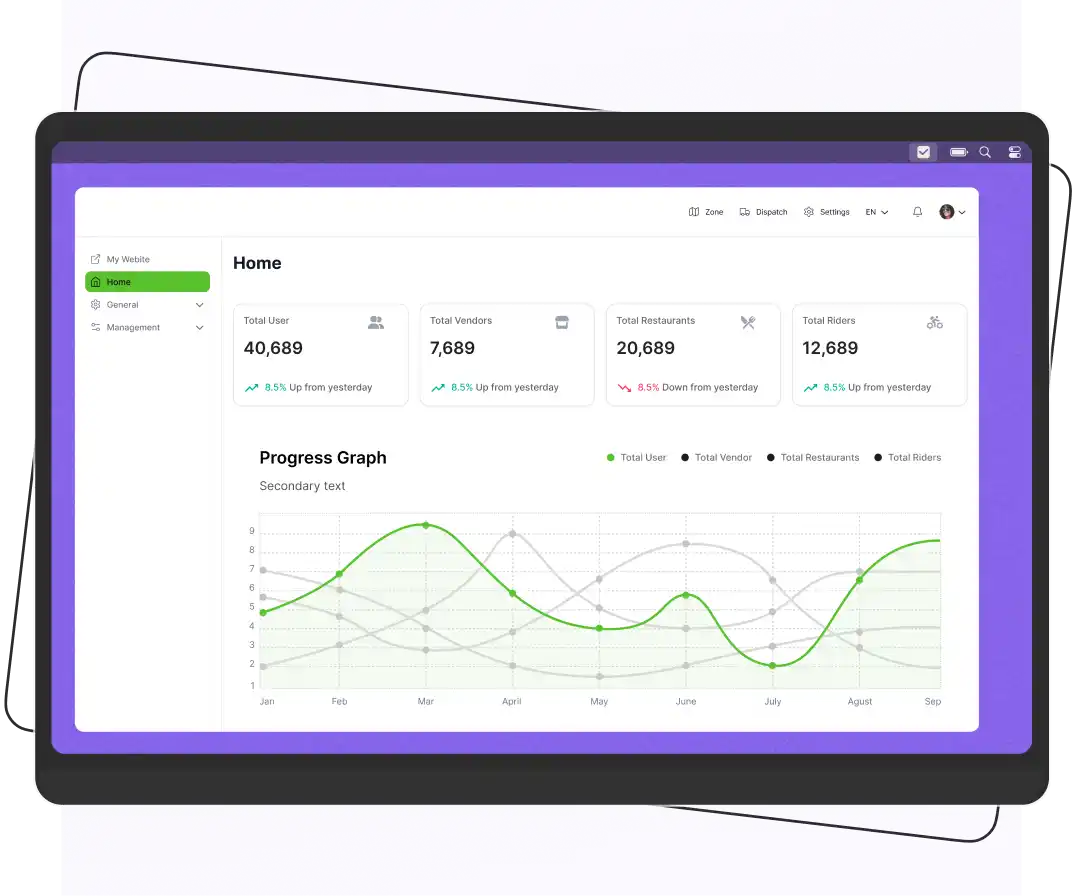
A food ordering app should include several must-have features to ensure a seamless user experience and efficient operation. Here are the essential features. 1. User Registration and Login Secure sign-up and login options, including social media integration for ease of access. 2. Restaurant Listings A comprehensive list of nearby restaurants with details such as menus, ratings, and reviews. 3. Menu Browsing Easy navigation of restaurant menus, including images, descriptions, and pricing for each dish. 4. Search and Filter Options Functionality to search for specific dishes or cuisines and filter results based on dietary preferences or price ranges. 5. Order Customization Options for users to customize their orders (e.g., toppings, portion sizes, special requests). 6. Shopping Cart A feature that allows users to review and modify their selected items before proceeding to checkout. 7. Secure Payment Processing Multiple payment options, including credit/debit cards, digital wallets, and cash on delivery, with secure transaction handling. 8. Order Confirmation and Tracking Real-time updates on order status, including preparation and delivery tracking, along with notifications. 9. User Reviews and Ratings A system for customers to leave feedback and rate their experiences, helping others make informed decisions. 10. Promotions and Discounts Options for users to view and apply promotional codes or discounts to their orders. 11. Loyalty Programs Features that reward repeat customers with points, discounts, or special offers. 12. Customer Support Easy access to customer service through chat, email, or phone for resolving issues or inquiries. 13. Profile Management Allow users to manage their accounts, including personal information, payment methods, and order history. 14. Push Notifications Alerts for order updates, promotional offers, and new restaurant additions to keep users engaged. 15. Admin Dashboard A backend interface for restaurant owners and admins to manage orders, menus, and user accounts effectively.
The latest technologies used in Android-based food delivery systems include: 1. Mobile Development Frameworks Kotlin: The preferred language for Android development, offering modern features and enhanced safety compared to Java. Java: Still widely used, especially in legacy applications and for developers familiar with it. 2. Backend Technologies Node.js: Used for building scalable and efficient server-side applications, ideal for handling multiple requests. Django: A Python framework that provides a robust backend for managing user data and orders. Spring Boot: A Java-based framework for creating standalone applications with a focus on microservices architecture. 3. Cloud Services Firebase: Provides real-time databases, authentication, and cloud functions, allowing for rapid development and scaling. AWS (Amazon Web Services): Offers various services like EC2 for hosting, RDS for database management, and S3 for file storage. 4. Payment Gateways Stripe: Popular for handling online payments securely and efficiently. PayPal: Widely recognized and trusted by users, offering various payment options. 5. Geolocation Services Google Maps API: Used for location tracking, route optimization, and displaying nearby restaurants. Mapbox: An alternative to Google Maps, providing customizable map features and geolocation services. 6. Real-time Communication WebSockets: Allows for real-time communication between the server and the client, essential for order updates and notifications. Push Notifications: Utilized to keep users informed about order status, promotions, and new features. 7. Artificial Intelligence (AI) Recommendation Systems: AI algorithms analyze user behavior to suggest personalized meal options, enhancing user experience. Chatbots: Implemented for customer support, providing instant responses to user inquiries. 8. Data Analytics Google Analytics: Used for tracking user behavior, app performance, and sales metrics to make data-driven decisions. Firebase Analytics: Integrates easily with mobile apps to provide insights into user interactions. 9. Containerization and Microservices Docker: Used for creating, deploying, and managing applications in containers, ensuring consistency across environments. Kubernetes: For orchestrating containerized applications, improving scalability and management of microservices. 10. Progressive Web Apps (PWAs) PWAs offer a mobile-like experience on the web, allowing users to access the platform without downloading an app, which can enhance user engagement.
The cost to build a food delivery app ranges from $10,000 to $150,000 based on complexity: Basic App: $10,000 to $25,000 (user registration, restaurant listings, order placement) Moderate Complexity: $25,000 to $50,000 (real-time tracking, reviews, notifications) High Complexity: $50,000 to $150,000+ (loyalty programs, AI recommendations) Factors like development location, platform choice, and design complexity also influence costs.




 IOS
IOS Android
 Web
Web