

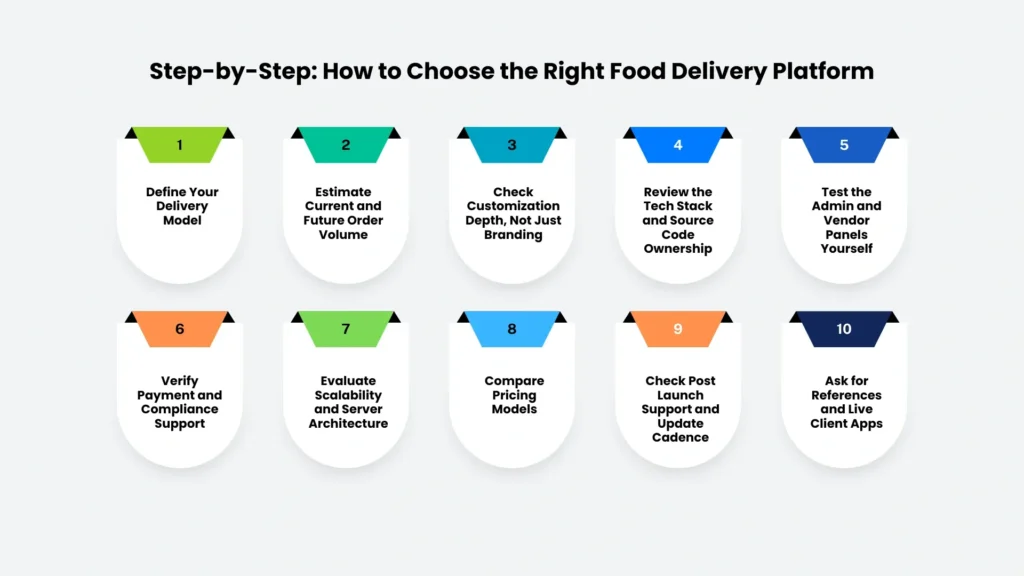
To choose white-label food delivery software, you have to:
- Define your delivery model
- Estimate current and future order volume
- Check customization depth, not just branding
- Review the tech stack and source code ownership
- Test the admin and vendor panels yourself
- Verify payment and compliance support
- Evaluate scalability and server architecture
- Compare pricing models
- Check post-launch support and update cadence
- Ask for references and live client apps
Launching a food delivery business has never been easier, but choosing the right software has never been more important. With several white label platforms promising fast launches and endless features, it’s easy to get caught up in flashy demos and low prices. The real challenge is finding a solution that won’t hold your business back six months or a year down the road.
The best white-label food delivery software should do more than help you get online. It should make managing orders easy, support your restaurants and drivers, and grow alongside your business as demand increases.
If you’re wondering how to distinguish genuinely reliable platforms from those that overpromise, you’re in the right place.
In this blog, we’ll walk you through the essential features to look for, the questions every buyer should ask, and the common mistakes to avoid.
So you can choose a platform that sets your business up for long-term success instead of short-term convenience.
What is White-Label Food Delivery Software?
White-label food delivery software is a pre-built, ready-to-launch platform. It covers a customer app, delivery rider app, restaurant/vendor panel, and admin dashboard that a business rebrands with its own name, logo, and colors instead of building the technology from the ground up.
The underlying codebase is owned and maintained by the software vendor, while the business operates it as if it were custom-built in-house.
This model helps restaurants, cloud kitchens, and delivery startups go live in weeks instead of the 6–12+ months a custom build takes.
Who Actually Needs White Label Food Delivery Software?
- Single restaurants: Wanting to cut third-party commission fees (15–30% per order on major marketplaces) by owning direct delivery.
- Multi-restaurant marketplaces: Aggregating several vendors in one city or region.
- Cloud kitchens/ghost kitchens: Running delivery-only operations without dine-in overhead.
- Grocery, pharmacy, or hyperlocal delivery startups: Repurposing the same core logic (catalog, cart, dispatch, tracking) for non-food verticals.
If you fall into any of these categories, the question isn’t whether to use white label software; it’s which one.
Supercharge your deliveries with Enatega.
Register NowFeatures to Look for in White Label Food Delivery Software
The features your food delivery software offers will directly impact how efficiently your business operates and how satisfied your customers are.
Every business has unique requirements, but there are certain features that every reliable white label food delivery solution should include. These features not only improve daily operations but also help your business grow without constantly needing expensive upgrades or custom development.
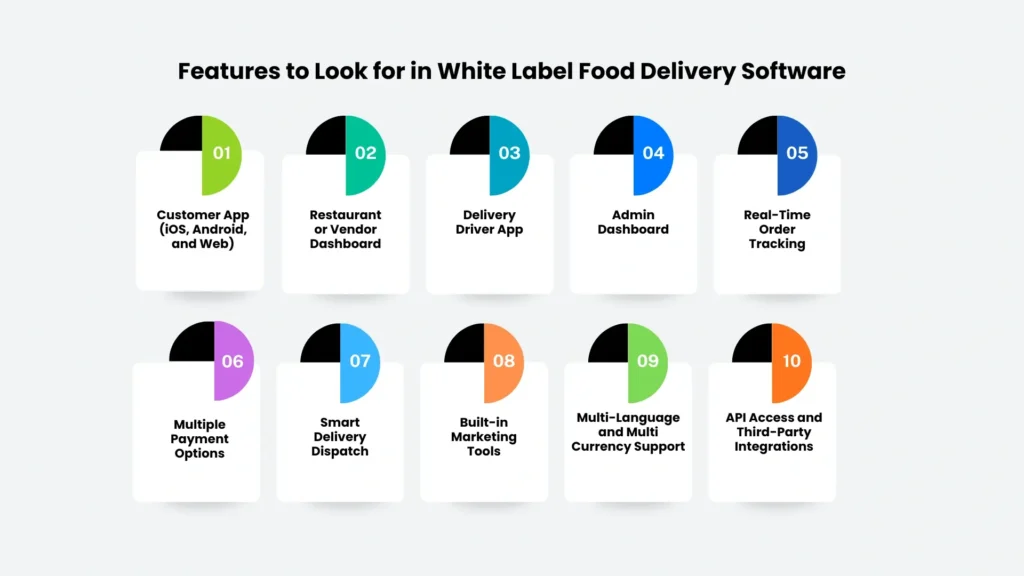
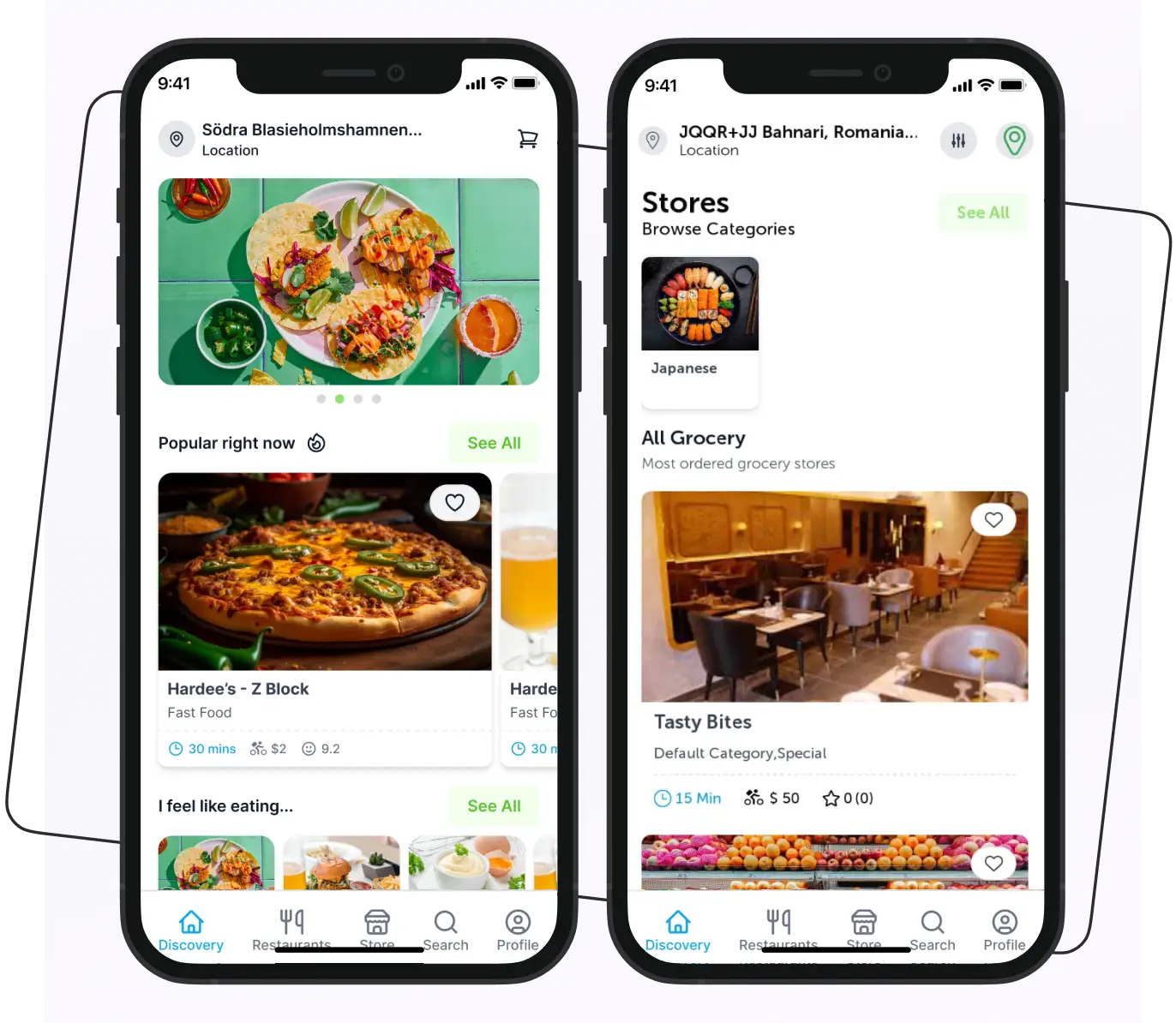
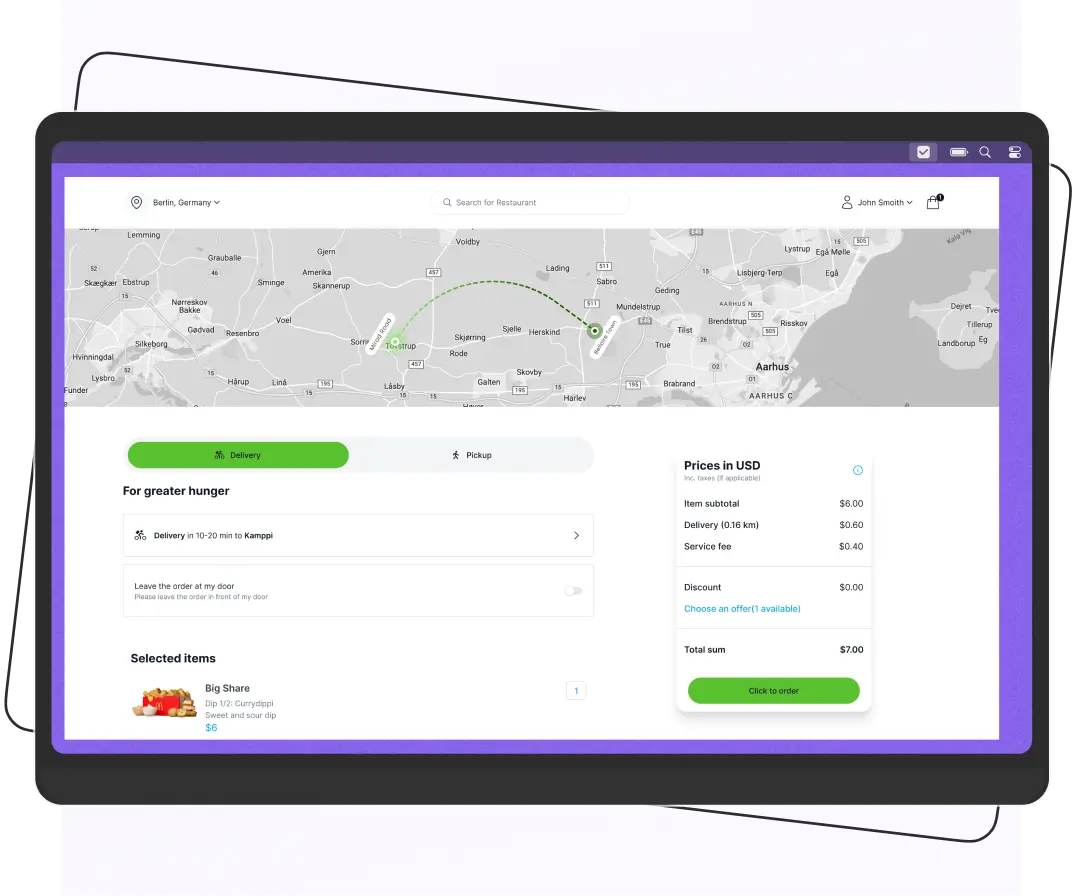
Customer App (iOS, Android, and Web)
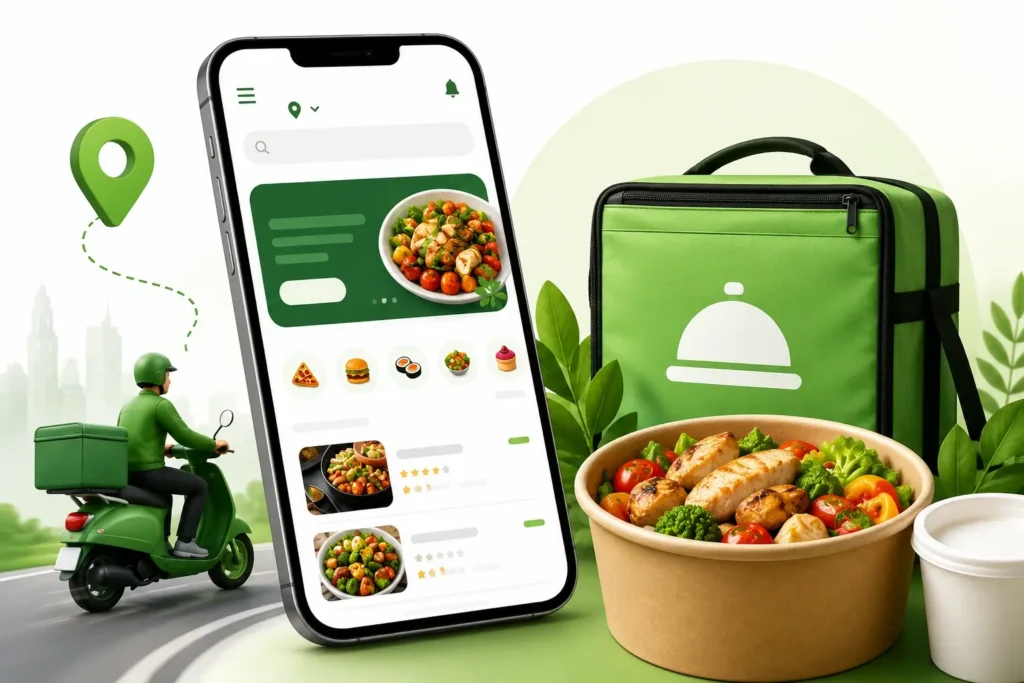
Your customer app is the face of your business. It should provide a fast, simple, and enjoyable ordering experience from start to finish.
Look for features such as:
- Easy restaurant and menu browsing
- Powerful search and filters
- Secure shopping cart and checkout
- Multiple payment options
- Live order tracking
- Order history and one-click reordering
- Ratings and reviews
- Push notifications for order updates and promotions
A well-designed customer app encourages repeat orders and builds customer loyalty.
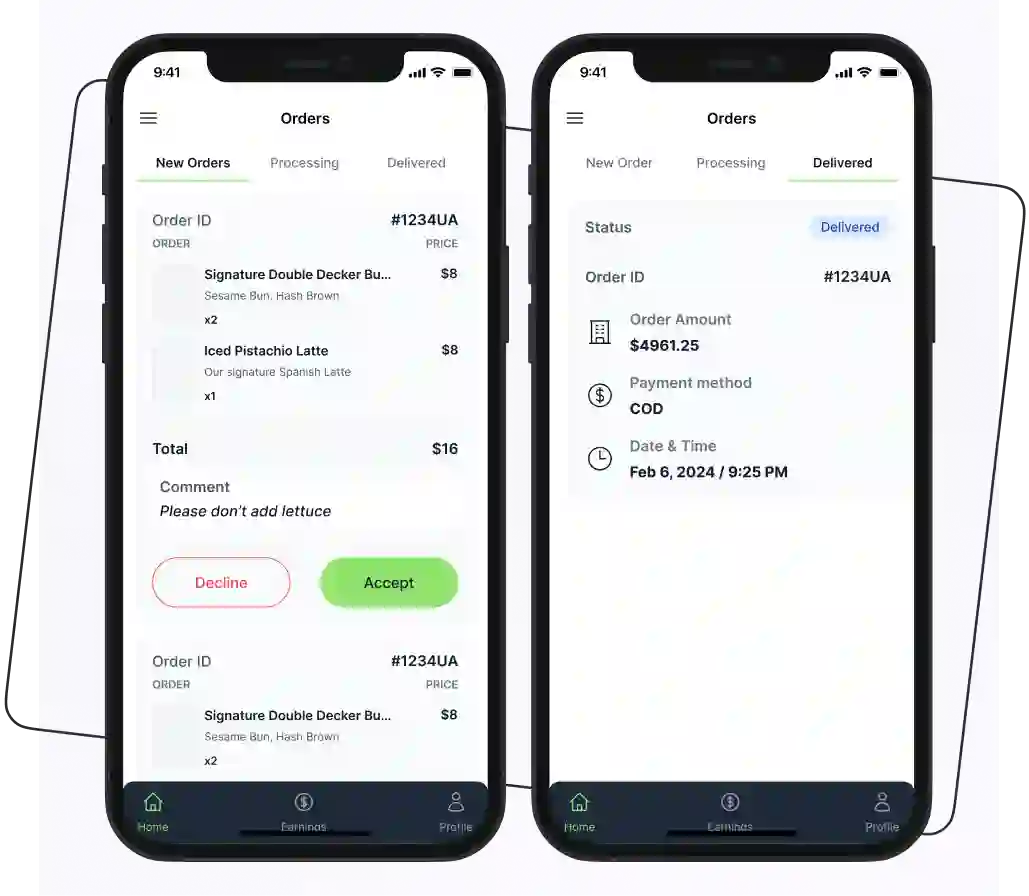
Restaurant or Vendor Dashboard
Restaurant partners should be able to manage their business without depending on your support team for every small change.
A good vendor panel should allow restaurants to:
- Add, edit, or remove menu items
- Update prices and availability instantly
- Accept or reject incoming orders
- Mark items as out of stock
- Manage operating hours
- Track daily, weekly, and monthly sales
- View customer feedback and order history
The easier it is for restaurants to manage their operations, the smoother your marketplace will run.
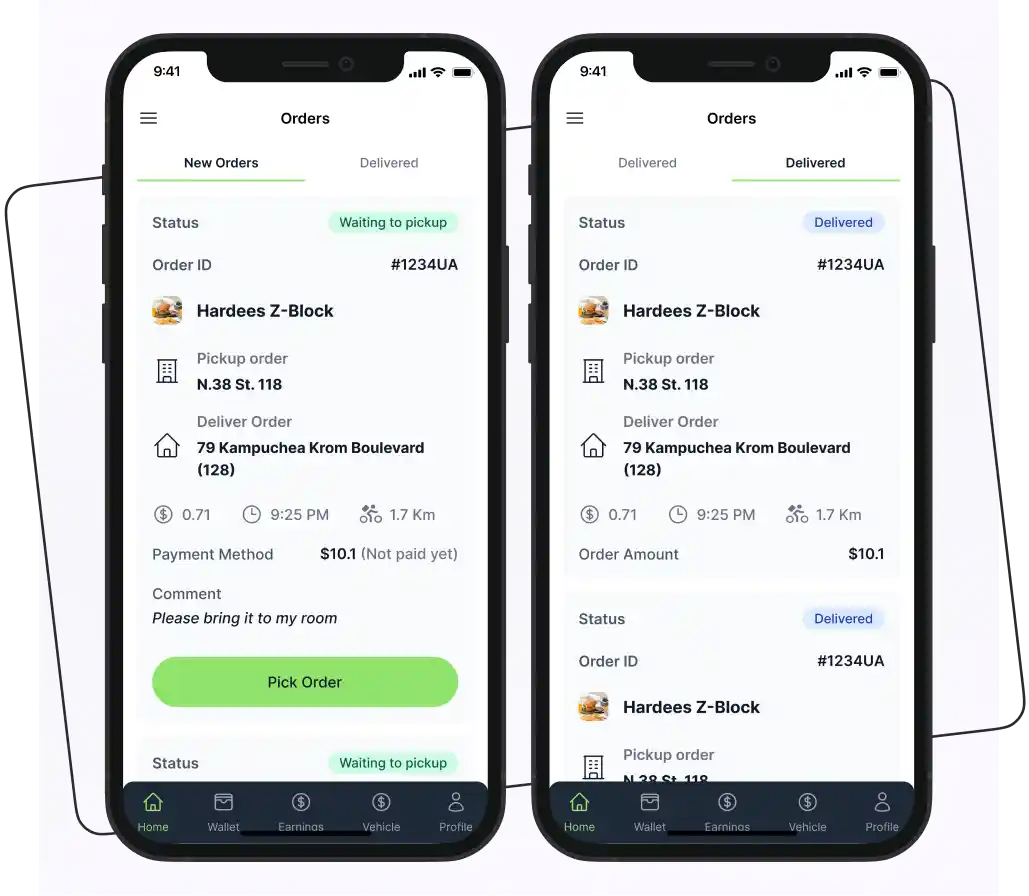
Delivery Driver App
Your delivery partners need an app that helps them complete deliveries quickly and accurately.
Essential driver features include:
- Automatic order assignment
- Built-in GPS navigation
- Route optimization
- Order status updates
- Proof of delivery through photos, signatures, or OTP verification
- Earnings and payment tracking
- Delivery history
Admin Dashboard
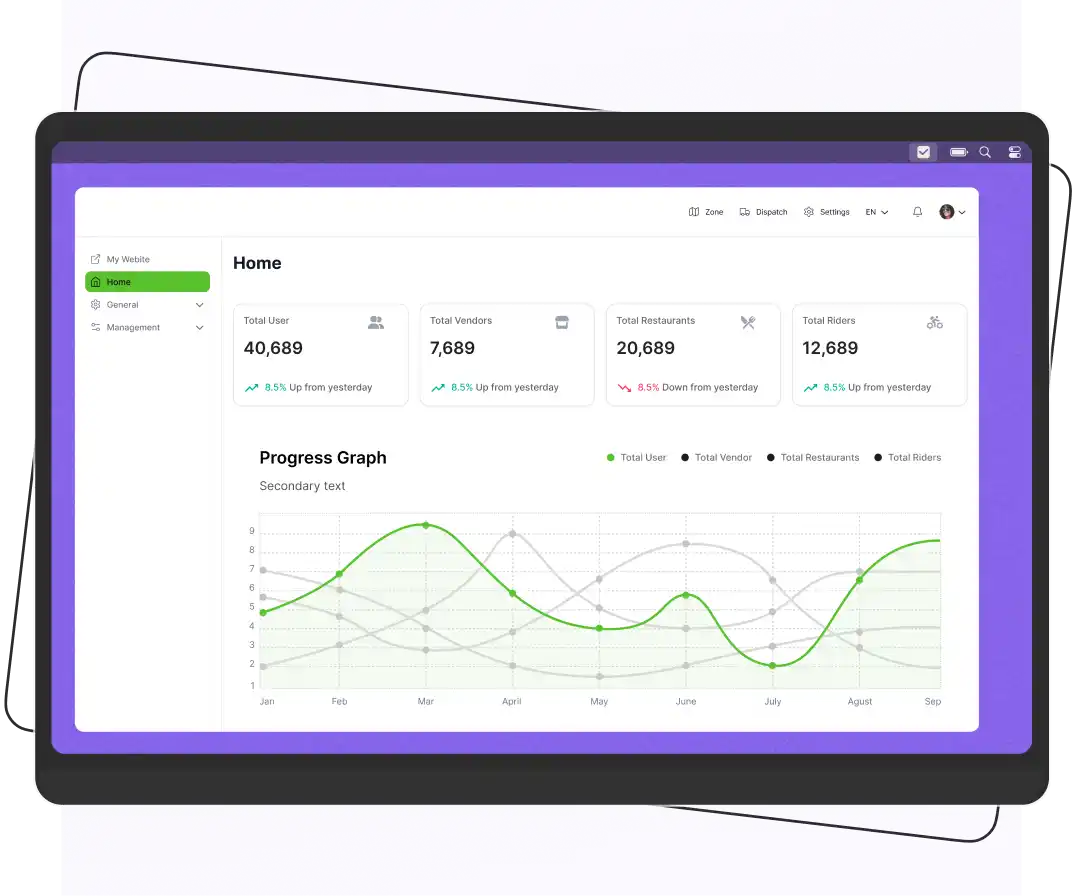
The admin dashboard is the control center of your entire food delivery business. It should give you complete visibility and control over every aspect of your platform.
Look for features like:
- User and restaurant management
- Driver management
- Commission and fee settings
- Delivery zone management
- Discount and promotional campaign management
- Order monitoring
- Customer support and dispute resolution
- Business reports and analytics
A comprehensive dashboard helps you make better business decisions using real-time data.
Real-Time Order Tracking
Customers expect to know exactly where their order is after placing it.
Your white-label food delivery platform should provide:
- Live GPS tracking
- Estimated delivery times
- Order status updates from preparation to delivery
- Real-time tracking for customers, drivers, restaurants, and administrators
Multiple Payment Options
Customers prefer different payment methods depending on where they live. Limiting payment choices can lead to abandoned orders.
Choose software that supports:
- Credit and debit cards
- Digital wallets
- Cash on Delivery (COD)
- Online banking
- Popular regional payment gateways such as Stripe, Razorpay, PayFast, and others
The more payment options you offer, the easier it is for customers to complete their purchases.
Smart Delivery Dispatch
As your business grows, assigning drivers manually becomes inefficient.
Modern white label software should include intelligent dispatch features such as:
- Automatic driver assignment
- Distance-based rider allocation
- Batch delivery for multiple nearby orders
- Route optimization
- Driver availability management
Built-in Marketing Tools
Winning new customers is important, but keeping existing customers is even more valuable.
Look for software that includes marketing features such as:
- Coupon and discount code creation
- Loyalty and reward programs
- Referral programs
- Push notifications
- Promotional banners
- Personalized offers
Multi-Language and Multi-Currency Support
If you plan to expand into multiple cities or countries, your platform should be ready for international growth.
Useful capabilities include:
- Multiple language options
- Multiple currency support
- Local tax and pricing settings
- Region-specific payment methods
These features make your platform accessible to a wider audience and simplify global expansion.
API Access and Third-Party Integrations
No software operates in isolation. Your platform should integrate easily with the tools your business already uses.
Look for support for integrations with:
- POS (Point of Sale) systems
- Accounting software
- CRM platforms
- SMS and email notification services
- Marketing automation tools
- Business intelligence platforms
- Google Maps and other mapping services
Step-by-Step: How to Choose the Right Food Delivery Platform
Below are some steps to help you choose the right one for your business.
Step 1: Define Your Delivery Model
Decide upfront whether you need a single-restaurant ordering system, a multi-vendor marketplace, or a hybrid (restaurant + grocery + pharmacy). This determines which platform architecture fits; some white label products are built specifically for one model, and adapting them to another can be costly.
Step 2: Estimate Current and Future Order Volume
A platform that runs smoothly for 50 daily orders may buckle at 5,000. Ask vendors for real load-testing data or existing client examples at your target scale, not just marketing claims.
Step 3: Check Customization Depth, Not Just Branding
“White label” should mean more than swapping a logo. Confirm you can customize:
- Checkout flow and delivery fee logic
- Commission structures per vendor
- UI themes and layout blocks
- Notification templates and language
Step 4: Review the Tech Stack and Source Code Ownership
Ask whether you get full source code access, a hosted SaaS license, or a hybrid. Source code ownership matters if you plan to scale, add custom modules, or eventually migrate vendors.
Step 5: Test the Admin and Vendor Panels Yourself
Request a live demo or sandbox account. A clunky admin panel means daily operational friction for your team; this is where support tickets and lost revenue usually originate.
Step 6: Verify Payment and Compliance Support
Confirm the platform supports your region’s preferred payment gateways, tax rules, and data protection requirements (GDPR, PCI-DSS, or local equivalents).
Step 7: Evaluate Scalability and Server Architecture
Cloud-native, microservices-based platforms scale more predictably than monolithic legacy systems. Ask how the platform handles peak-hour traffic spikes (lunch and dinner rushes).
Step 8: Compare Pricing Models
White label vendors price in one of these ways:
- One-time license fee (self-hosted, you own the code)
- Subscription/SaaS fee (monthly or annual, vendor-hosted)
- Commission-based (vendor takes a cut of your order revenue)
- Hybrid (setup fee + ongoing maintenance/support fee)
Always calculate the 3-year total cost, not just the sticker price; hosting, updates, third-party API costs, and support renewals add up.
Step 9: Check Post-Launch Support and Update
Ask: How often does the vendor release updates? Is support 24/7 or business hours only? Is there a dedicated account manager, or a generic ticket queue?
Step 10: Ask for References and Live Client Apps
A vendor with real, currently operating client apps in app stores is a stronger signal than screenshots in a sales deck. Download and use a live client app before committing.
Questions to Ask Every Vendor Before You Buy
- Do we own the source code, or are we licensing access only?
- What happens to our data and app if we stop paying or switch providers?
- How many concurrent orders has this platform handled in production?
- What’s included in the base price versus billed as an add-on?
- How long does a typical customization request take to implement?
- Is there a native app store submission process included, or is that our responsibility?
- What security certifications or audits does the platform have?
Common Mistakes Businesses Avoid When Choosing the Food Delivery Platform
Choosing the wrong white label food delivery software can lead to unexpected expenses. To make a smart investment, avoid these common mistakes that many businesses make during the selection process.
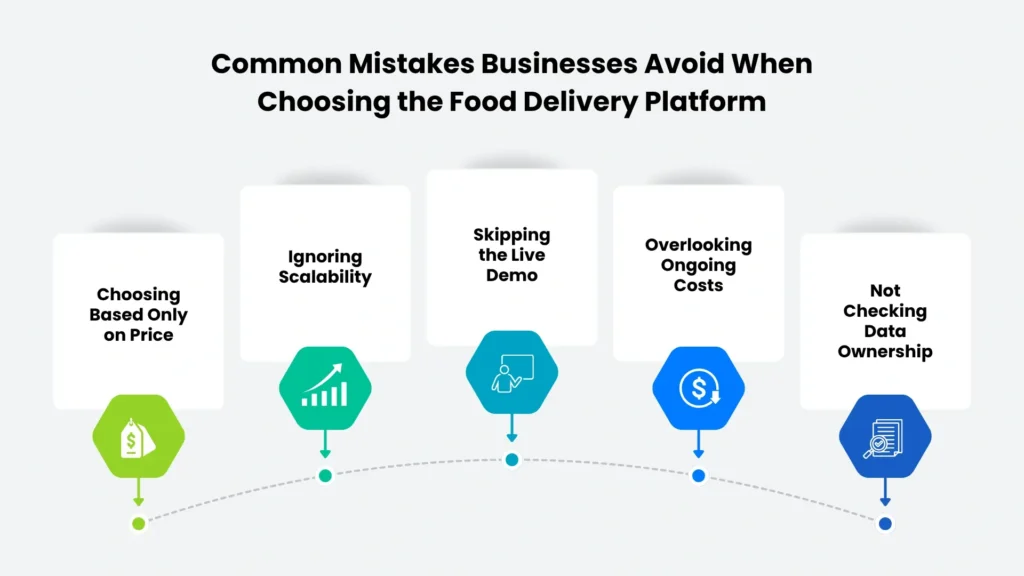
Choosing Based Only on Price
It’s tempting to choose the lowest-priced solution, especially if you’re launching on a limited budget. However, the cheapest software isn’t always the most cost-effective in the long run.
Low-cost platforms may come with:
- Limited customization options
- Fewer essential features
- Poor customer support
- Extra charges for updates or integrations
- Higher maintenance costs over time
Instead of focusing only on the upfront price, consider the overall value the platform provides and how well it meets your business needs.
Ignoring Scalability
Your software should support your business not just today, but as it grows.
A platform that works well for a few dozen daily orders may struggle when your business expands to multiple restaurants, cities, or thousands of orders per day. Migrating to a new platform later can be expensive and disruptive.
Choose software that can easily scale with your growth without compromising performance.
Skipping the Live Demo
Product screenshots and marketing videos only show the best parts of a platform. They don’t reveal how the software performs in real-world situations.
Before making a decision, request a live demo and test:
- How easy the apps are to navigate
- The ordering process
- Restaurant and driver workflows
- Admin dashboard usability
- Overall speed and responsiveness
A live demonstration helps you identify usability issues before committing to a provider.
Overlooking Ongoing Costs
Many businesses focus on the initial purchase price and forget about recurring expenses.
Ask the software provider about additional costs such as:
- Hosting and server fees
- App maintenance and updates
- Third-party API charges
- Payment gateway transaction fees
- SMS and email notification costs
- App Store and Google Play publishing fees
Understanding the total cost of ownership helps you avoid unexpected expenses later.
Not Checking Data Ownership
Your customer data is one of your most valuable business assets.
Before signing a contract, confirm that you have full ownership of your:
- Customer information
- Order history
- Restaurant data
- Delivery records
- Analytics and reports
Also, make sure you can export your data whenever needed. Some providers restrict access or make it difficult to migrate to another platform.
White-Label vs. Custom Development vs. Third-Party Marketplaces
Look at the table below and understand the differences between them.
| Factor | White Label Software | Custom Development | Third-Party Marketplace (e.g., aggregator apps) |
| Time to launch | Weeks | 6–12+ months | Immediate |
| Upfront cost | Low–Moderate | High | None |
| Ongoing cost | License/subscription | Dev team salaries | High commission per order |
| Branding control | Full | Full | None |
| Customer data ownership | Yes (usually) | Yes | No |
| Customization flexibility | Moderate–High | Unlimited | None |
FAQs
Yes, if your order volume is high enough that third-party commission fees (typically 15–30% per order) exceed the cost of a license or subscription. Most restaurants break even within a few months of moving to owned delivery infrastructure.
Yes. Reputable white label platforms allow full rebranding of your logo, app name, color scheme, and domain with no visible reference to the original software vendor, and you publish the app under your own developer account.
White label food delivery software costs $150–$500 per month for SaaS plans or $3,000–$15,000+ as a one-time license with full source code ownership. The final price depends on the platform’s features, customization, and licensing model.
White label software is maintained, supported, and updated by a vendor under a commercial license. Open source code is free to use but requires your own development team to maintain, secure, and update it.
Supercharge your deliveries with Enatega.
Register NowConclusion
Choosing the right white label food delivery software is about more than comparing features or finding the lowest price. The ideal solution should align with your business goals and have the flexibility to grow as your customer base and order volume increase.
Before making a decision, take the time to explore the platform and follow the tips that are mentioned above.
If you're looking for a trusted white label food delivery solution, Enatega offers a fully customizable platform. It is designed for startups, restaurants, cloud kitchens, and multi-vendor marketplaces.
Ready to build your own food delivery platform? Get in touch with the Enatega team today to discover how our white label solution can help turn your delivery business.
About the author

Hudaibia Khalid is a senior content writer with several years of experience in creating clear and easy-to-understand content. Over the years, she has worked closely with startups, restaurants, and entrepreneurs, helping them simplify complex digital and technical topics into actionable insights.
Her expertise lies in writing about on-demand platforms, food delivery solutions, and business growth strategies in a way that is accessible even to non-technical readers. With her experience in the industry, she focuses on guiding businesses step by step, from understanding ideas to turning them into fully working solutions.
SHARE






 IOS
IOS Android
 Web
Web