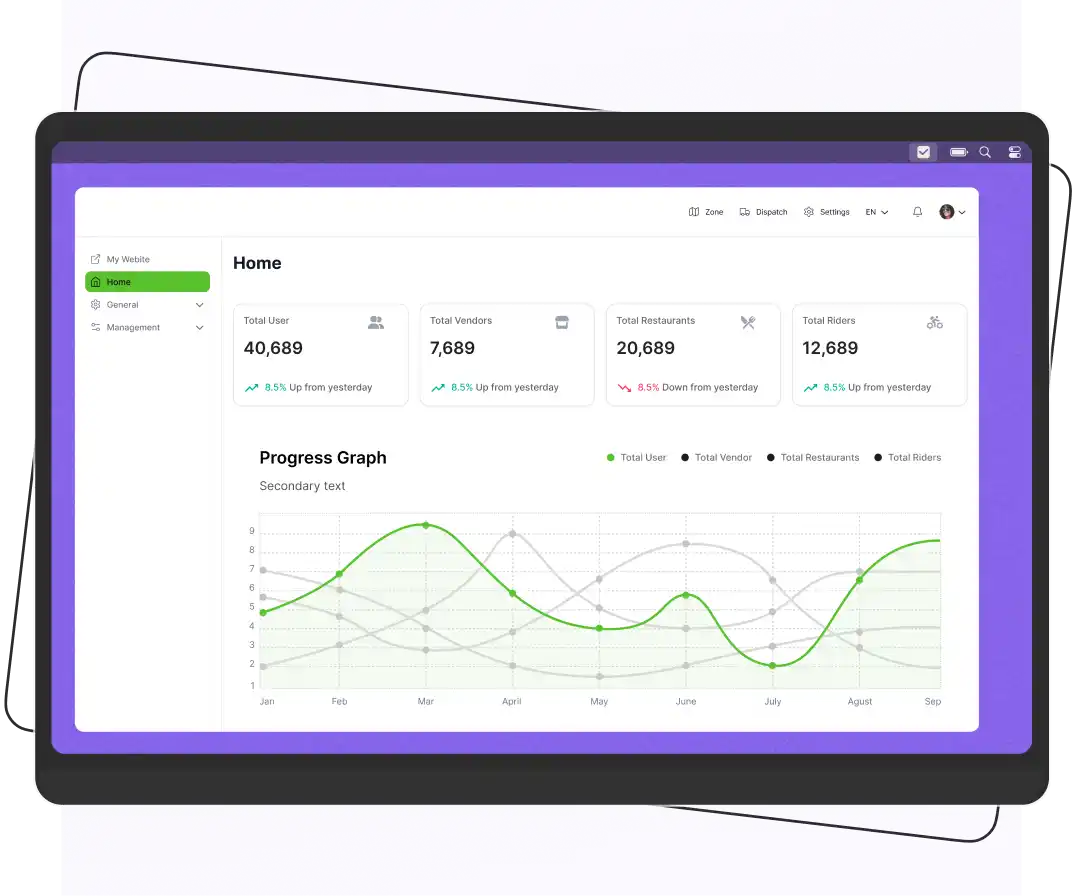


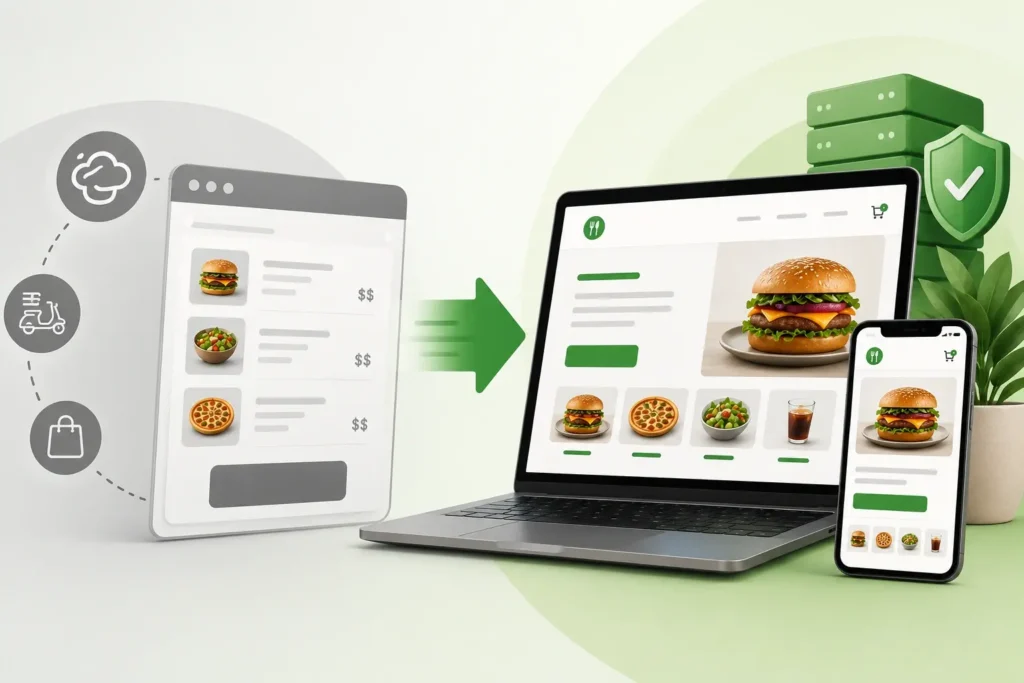
To move from GloriaFood to a self-hosted ordering system, export your restaurant data, choose a self-hosted platform, migrate your menu and customer information, configure payments and delivery settings, test the system thoroughly, and then switch your website and customers to the new platform. A self-hosted solution gives you greater control, custom branding, lower long-term costs, and ownership of your customer data.
Your restaurant’s online ordering system now has an end date. Oracle has confirmed that GloriaFood will shut down on April 30, 2027, giving restaurants limited time to move to a new platform.
If your restaurant relies on GloriaFood for online orders, now is the time to start planning your migration. After the shutdown, your ordering page, QR code menus, and other connected services will no longer work, and accessing your customer and order data may become difficult.
The good news is that you don’t have to depend on another third-party platform. By switching to a self-hosted ordering system, you gain full control over your restaurant’s ordering platform, customer data, and branding.
So, let’s explore the steps to make the transition smoothly.
What is a Self-Hosted Ordering System?
A self-hosted ordering system is an online ordering platform that your restaurant owns and controls. Instead of depending on a third-party service like GloriaFood, you manage the software on your own server or cloud hosting.
This gives you full control over your branding, customer data, menu, and features. You can customize the platform and grow your business without relying on another company’s limitations. For many restaurants, a self-hosted ordering system offers more flexibility and better control.
Why GloriaFood Users Need to Act Now?
If you run a restaurant using GloriaFood, you’ve probably already noticed the in-app announcement. Oracle, which acquired GloriaFood in 2021 and integrated it into its Oracle MICROS restaurant technology portfolio, has confirmed that the platform is being discontinued.
New registrations have already closed. The platform is now in maintenance mode, and no replacement product has been announced.
Here’s what you need to know:
- The shutdown date is April 30, 2027. After this date, online ordering pages, QR code menus, the FoodBooking reservation app, and all connected POS integrations will stop working completely.
- No data export tool will be available. Menu items, modifier groups, customer records, delivery zone settings, and order history will no longer be accessible once the platform shuts down.
- The white-label partner program is also ending. This will impact agencies that manage online ordering pages for multiple restaurant clients.
- More than 123,000 restaurants worldwide are expected to be affected. It includes businesses across the US, UK, Canada, Australia, and Latin America.
Although there’s still time before the shutdown, it’s better to switch early. Migrating your ordering system can take 3-4 weeks, and waiting too long may make it harder to get migration support.
Supercharge your deliveries with Enatega.
Register NowWhy Choose Self-Hosted Instead of Another SaaS?
It may seem easier to switch to another SaaS ordering platform, but the same problem could happen again in the future. As GloriaFood’s shutdown shows, you don’t own the platform. If the company changes its plans or stops the service, your restaurant could be forced to migrate again.
With a self-hosted ordering system, you own and control the software. You can host it on your own server or cloud provider, giving you full control over your menu, customer data, and order history. No third-party company can decide to shut down your ordering system.
| Feature | SaaS Ordering Platform | Self-Hosted Ordering |
| Monthly Cost | Usually a subscription | Only hosting costs |
| Commission | Depends on the provider | No commission |
| Data Ownership | Limited control | You own your data |
| Shutdown Risk | Depends on the provider | You stay in control |
| Setup | Quick and easy | Takes more time |
| Customization | Limited | Full customization |
Step-by-Step Guide to Move From GloriaFood to Self-Hosted Ordering
Follow these simple steps to move from GloriaFood to a self-hosted ordering system.
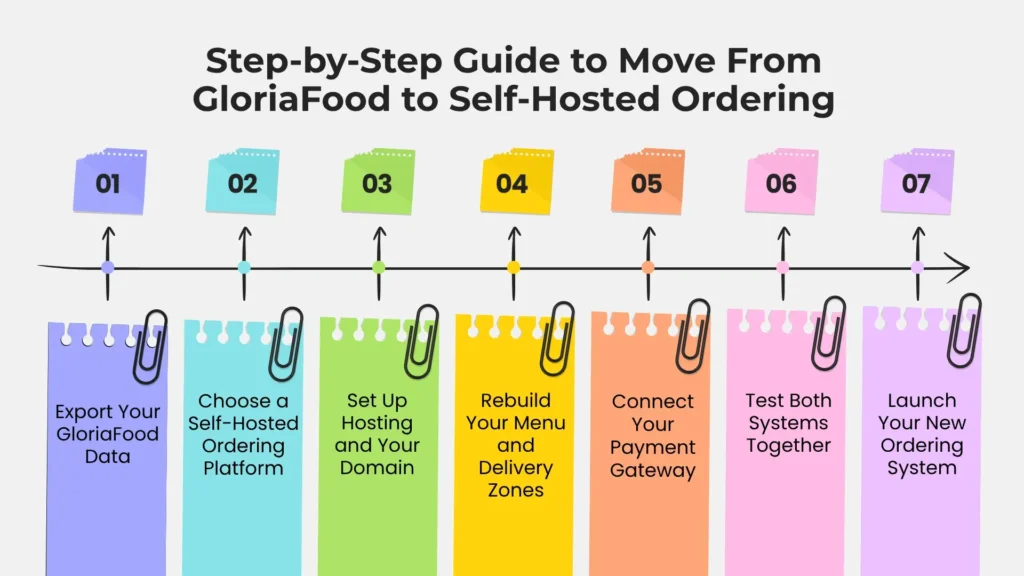
Step 1: Export Your GloriaFood Data
Before you move to a new ordering system, export all the important data from your GloriaFood account. Save your menu categories, items, descriptions, prices, modifiers, images, delivery zones, customer information, and order history.
Since GloriaFood’s export options are limited, you may also need to take screenshots or create spreadsheets as a backup.
Keep in mind that this is not a one-click migration. Some data, such as modifiers or delivery zones, may not transfer automatically. Having a complete backup will make it much easier to rebuild your ordering system on the new platform.
Step 2: Choose a Self-Hosted Ordering Platform
The next step is choosing the right self-hosted ordering platform for your restaurant. Your decision should depend on your budget, technical skills, and the features you need.
There are several options available, ranging from free open-source software to fully customized solutions.
- Option 1: Enatega
Enatega is one of the most popular open-source restaurant ordering platforms. It includes features like online ordering, table reservations, delivery zones, discount campaigns, and multi-location support. It is an affordable choice for many restaurants.
- Option 2: Modern Open-Source Platforms
Modern open-source platforms are built with newer technologies and offer faster performance and greater flexibility. They are ideal for restaurants with an in-house developer or technical team that wants complete control over the software and the ability to add custom features.
- Option 3: Custom White-Label Solution
If you want a fully customized ordering system without handling the technical work yourself, a white-label or agency-built solution is a great option. However, it requires a higher upfront investment. It provides professional migration, custom branding, and ongoing support, making it ideal for growing restaurant businesses.
Step 3: Set Up Hosting and Your Domain
A self-hosted ordering system requires your own hosting environment. Most single-location restaurants can use affordable shared hosting or a cloud server, which costs between $5 and $25 per month.
You can connect your existing website domain or create a dedicated subdomain, such as order.yourrestaurant.com.
Before switching completely, keep your GloriaFood ordering page active until the new system has been fully tested. This helps avoid interruptions for your customers during the migration.
Step 4: Rebuild Your Menu and Delivery Zones
Now it’s time to recreate your restaurant’s menu on the new platform. Add all menu categories, food items, prices, modifiers, add-ons, and images using the backup you created earlier. Carefully review everything to make sure customers see accurate information.
You’ll also need to set up your delivery zones again. Many self-hosted platforms offer more flexible delivery settings than GloriaFood, allowing you to create custom delivery areas and pricing based on distance or location.
Step 5: Connect Your Payment Gateway
Connect your preferred payment gateway, such as Stripe or another supported provider, so customers can pay online. After setup, place a few test orders to confirm that payments, refunds, and order confirmations are working correctly. Testing before launch helps prevent payment issues.
Step 6: Test Both Systems Together
Before completely switching, run both GloriaFood and your new ordering system at the same time for several days. Allow a small group of customers or your staff to place test orders using the new platform while GloriaFood continues handling regular orders.
During this testing period:
- Check that orders reach your kitchen correctly
- Delivery fees are accurate
- Payments are processed successfully
- Customers receive confirmation emails or text messages
Step 7: Launch Your New Ordering System
Once you’re confident everything is working properly, make the switch to your new self-hosted ordering platform. Update your website, replace old QR codes, and change your ordering links on Google Business Profile and social media pages.
Keep your GloriaFood account active for a short time as a backup, but direct all new customers to your new ordering system.
GloriaFood vs Self-Hosted Ordering System
The table below compares GloriaFood and a self-hosted ordering system to help you understand the main differences.
| Feature | GloriaFood | Self-Hosted Ordering System |
| Ownership | Managed by a third-party provider | Fully owned and managed by you |
| Branding | Limited customization | Complete branding control |
| Data Ownership | Platform controls your data | You own all customer and order data |
| Customization | Limited features and integrations | Fully customizable |
| Monthly Fees | May include subscription or add-on costs | Only hosting and maintenance costs |
| Commission Fees | Depends on the plan or integrations | No commission on orders |
| Hosting | Managed by GloriaFood | Hosted on your own server or cloud |
| Payment Gateways | Limited supported options | Choose and integrate your preferred gateways |
| Scalability | Suitable for basic restaurant needs | Easily scales for multiple locations and franchises |
| Risk of Platform Shutdown | Depends on the provider | No vendor shutdown risk |
| Long-Term Cost | Ongoing subscription or service fees | Lower long-term cost with full ownership |
Cost of Switching to a Self-Hosted Ordering System
The cost of moving to a self-hosted ordering system depends on the platform and setup you choose. Open-source software is usually free, while hosting costs $5 to $25 per month.
If you need professional help, you may also have a one-time setup fee for migration and customization.
Although there is an initial investment, a self-hosted ordering system can save money over time. Unlike many third-party platforms that charge ongoing commissions, you keep full ownership of your ordering system and avoid paying a percentage on every order.
Why Choose Enatega for Self-Hosted Restaurant Ordering?
If you’re looking for more than just an online ordering system, Enatega is a great option. It is a self-hosted, white-label food ordering and delivery platform that gives you complete control over your business.
Here are some of the benefits of choosing Enatega.
Complete Ownership
With Enatega, you fully own your ordering platform. Your business is not affected by changes or shutdowns from third-party providers.
One-Time License
Instead of paying commissions on every order, Enatega offers a one-time licensing model. This helps reduce long-term costs and allows you to keep more of your profits.
Built to Grow
Whether you operate one restaurant or multiple locations, Enatega can grow with your business. It also supports multi-vendor marketplaces if you want to onboard other restaurants in the future.
Fully Branded Apps
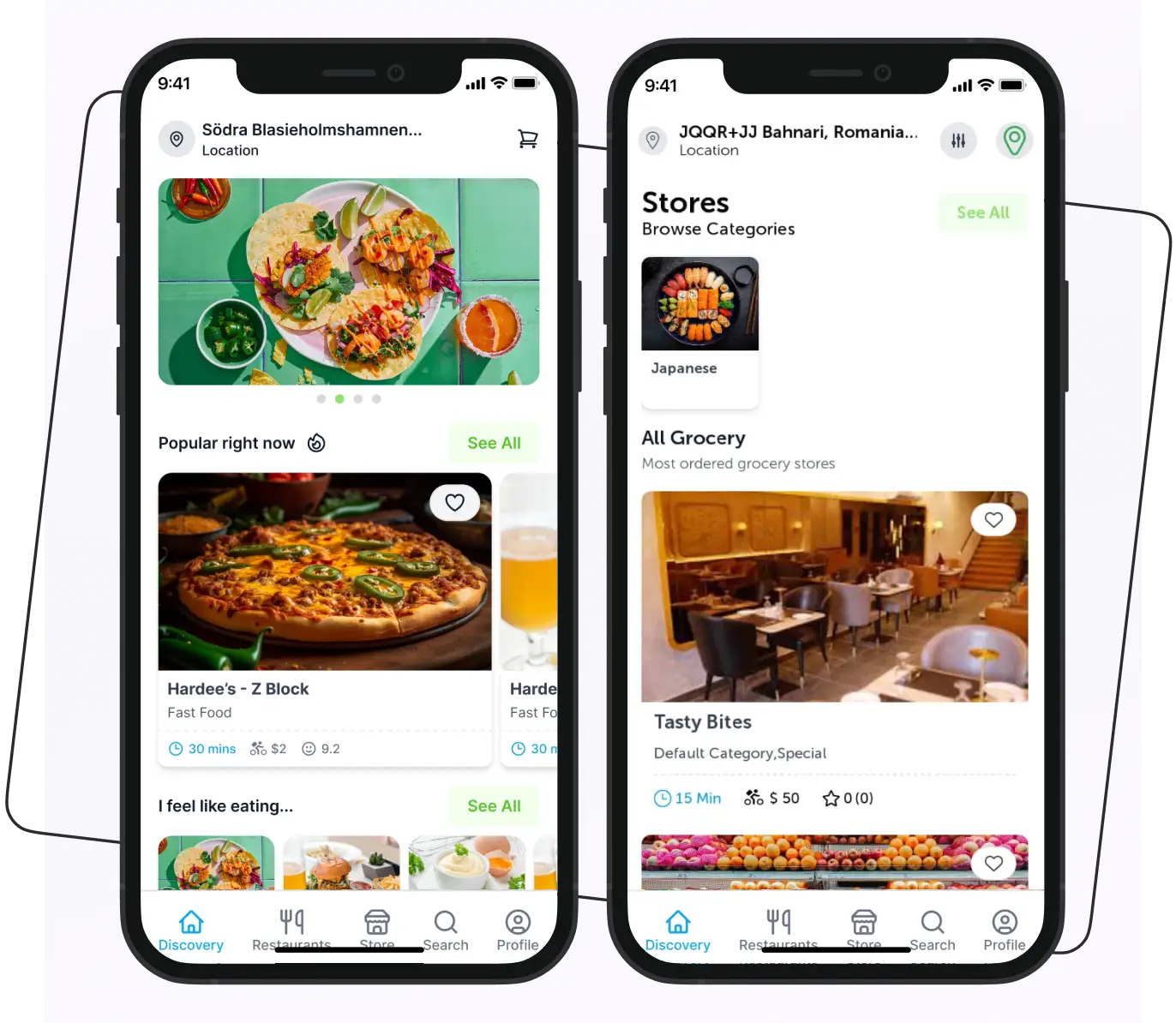
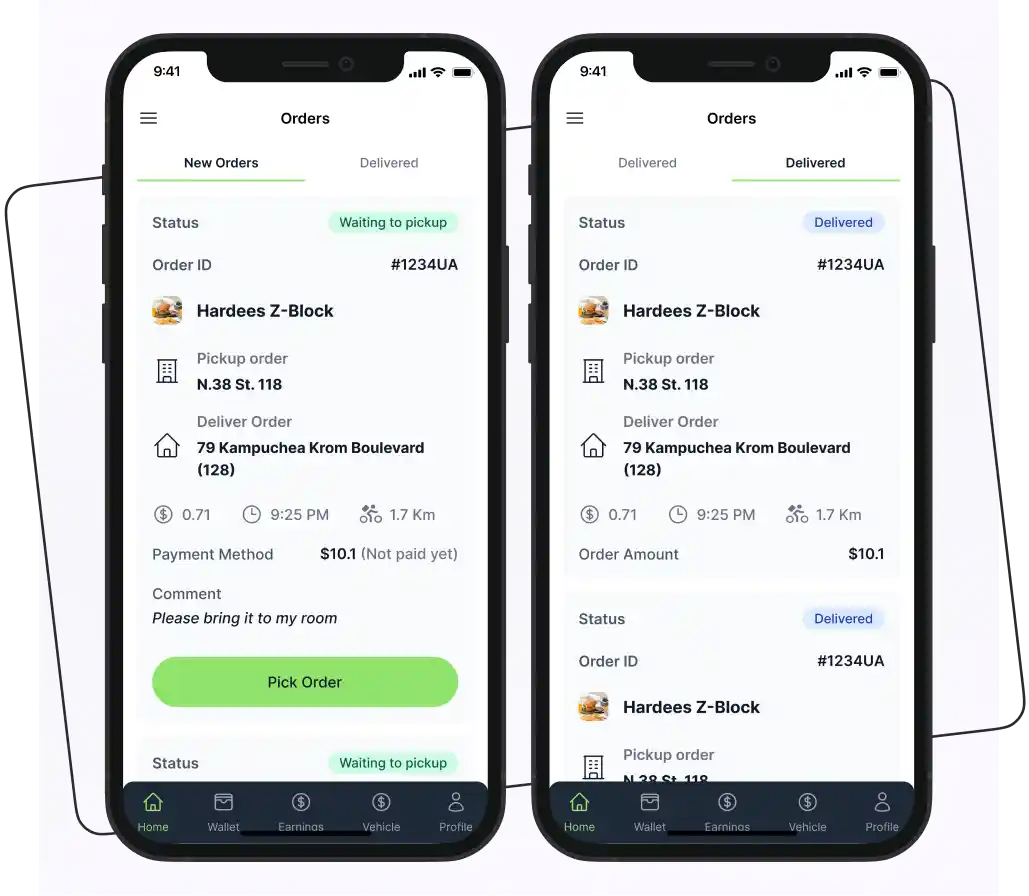
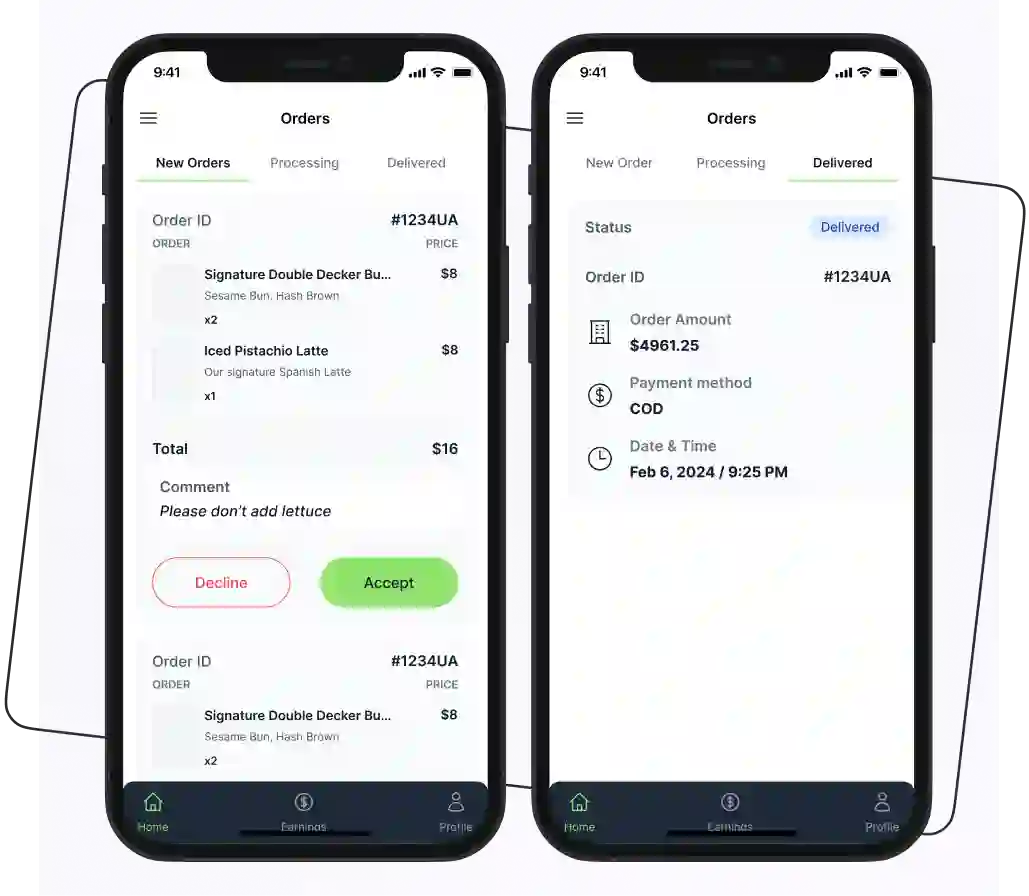
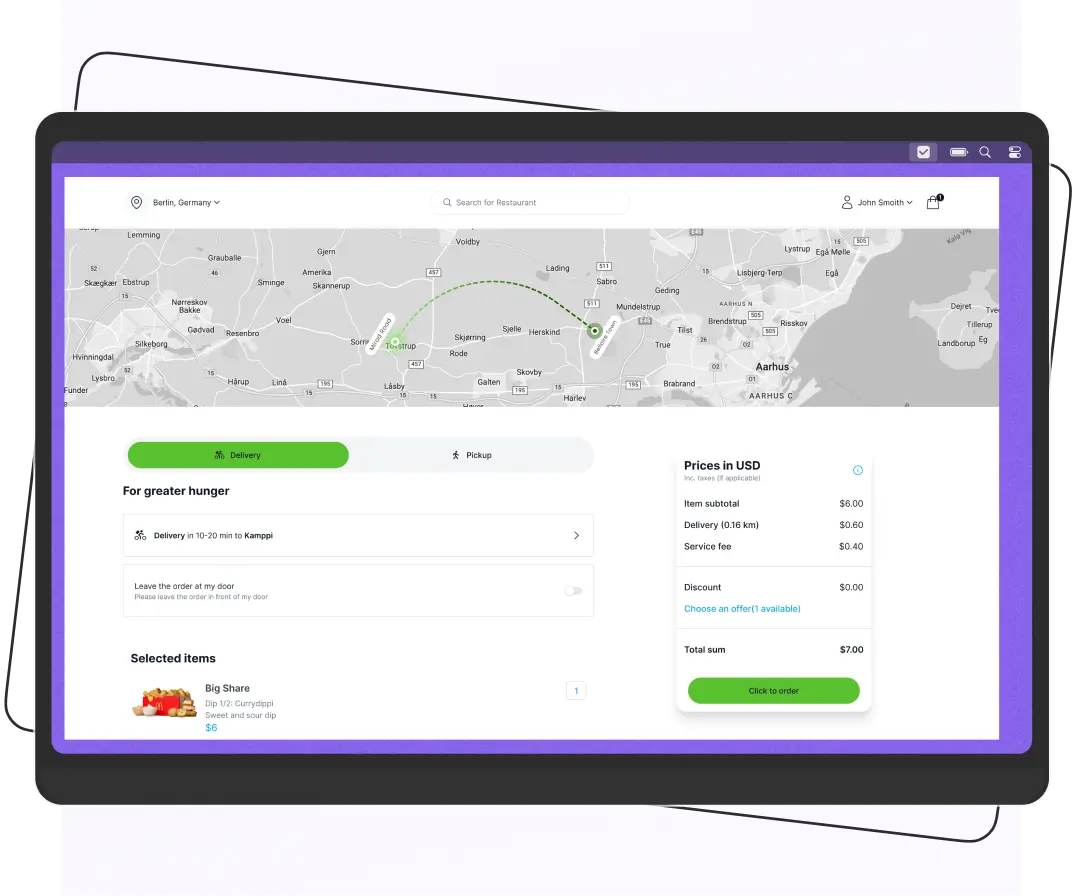
Enatega provides branded apps for customers, restaurants, delivery riders, and administrators. This helps you build a professional brand while managing your entire operation from one platform.
Flexible Payment Options
The platform supports multiple payment methods, including cash on delivery, Stripe, PayPal, and other popular payment gateways.
Easy Customization
Since Enatega is self-hosted, you can customize the design, features, and integrations to match your business needs without being limited by a third-party platform.
FAQs
Yes, you can migrate your menu from GloriaFood. Some information can be exported; you may need to manually recreate items like modifiers, delivery zones, and images on your new platform.
No, if the migration is planned properly. You can keep GloriaFood running while setting up your new system and inform customers about the new ordering platform before switching.
Yes. A self-hosted ordering system offers more customization and full ownership. It makes it a great choice for restaurants planning to expand.
Most restaurant migrations take 1 to 4 weeks. It depends on the size of your menu, number of locations, and the complexity of your setup.
Basic technical knowledge is helpful, but it’s not always required. Many businesses work with developers or choose providers that offer setup, maintenance, and ongoing support.
The cost depends on the platform you choose. Open-source solutions are usually free, while hosting costs $5-$25 per month, with optional one-time setup fees if you hire a developer.
Supercharge your deliveries with Enatega.
Register NowConclusion
Migrating from GloriaFood may not be something you planned, but it's a necessary step before the platform shuts down. Starting early gives you enough time to move your data, test your new system, and avoid last-minute problems.
A self-hosted ordering system gives you full control over your restaurant's online ordering. You own your system and can grow your business without worrying about future shutdowns or platform changes.
The best place to start is by exporting your GloriaFood data. Taking this first step now will make the rest of the migration process much smoother.
About the author

Hudaibia Khalid is a senior content writer with several years of experience in creating clear and easy-to-understand content. Over the years, she has worked closely with startups, restaurants, and entrepreneurs, helping them simplify complex digital and technical topics into actionable insights.
Her expertise lies in writing about on-demand platforms, food delivery solutions, and business growth strategies in a way that is accessible even to non-technical readers. With her experience in the industry, she focuses on guiding businesses step by step, from understanding ideas to turning them into fully working solutions.
SHARE






 IOS
IOS Android
 Web
Web