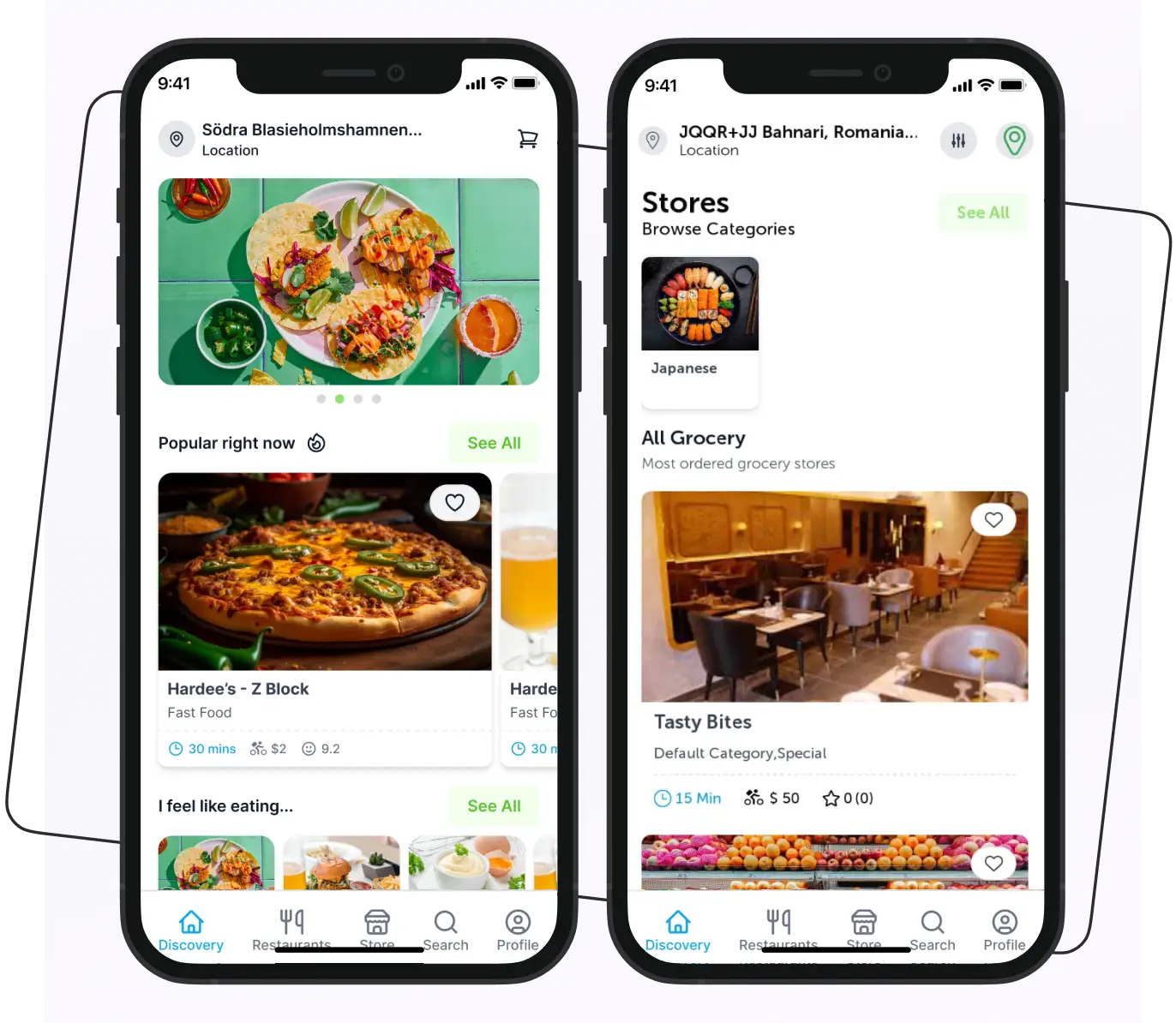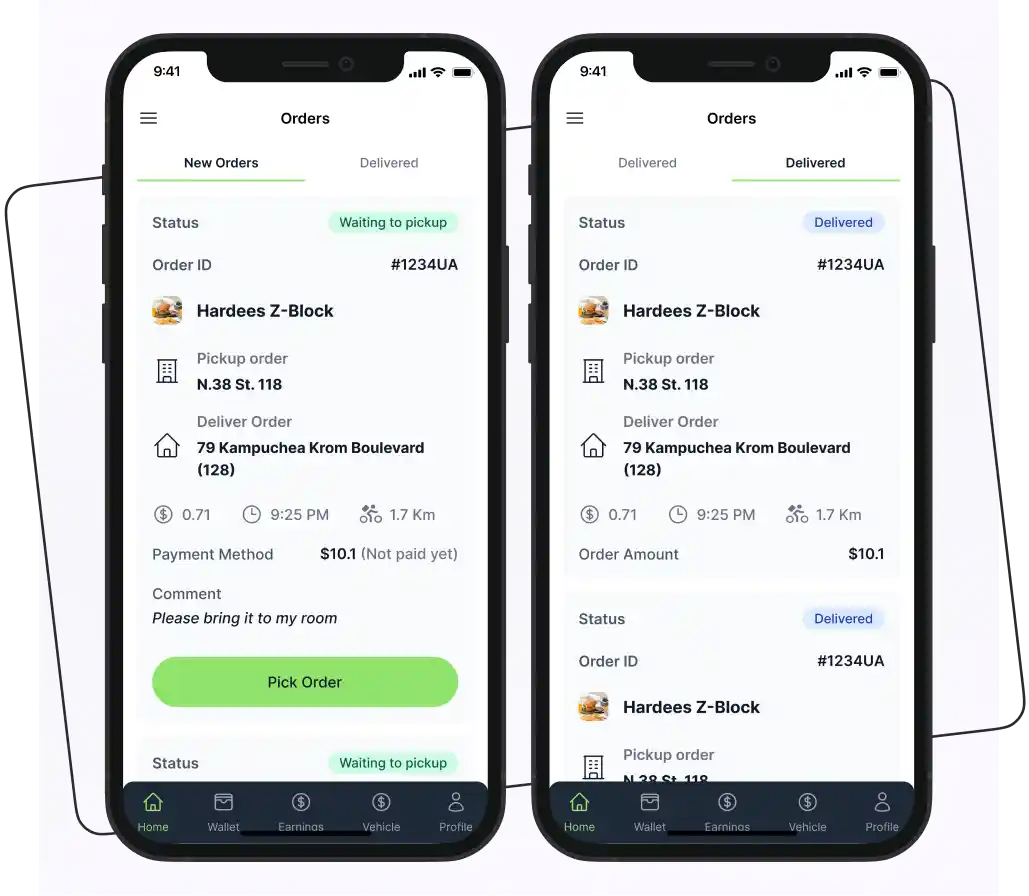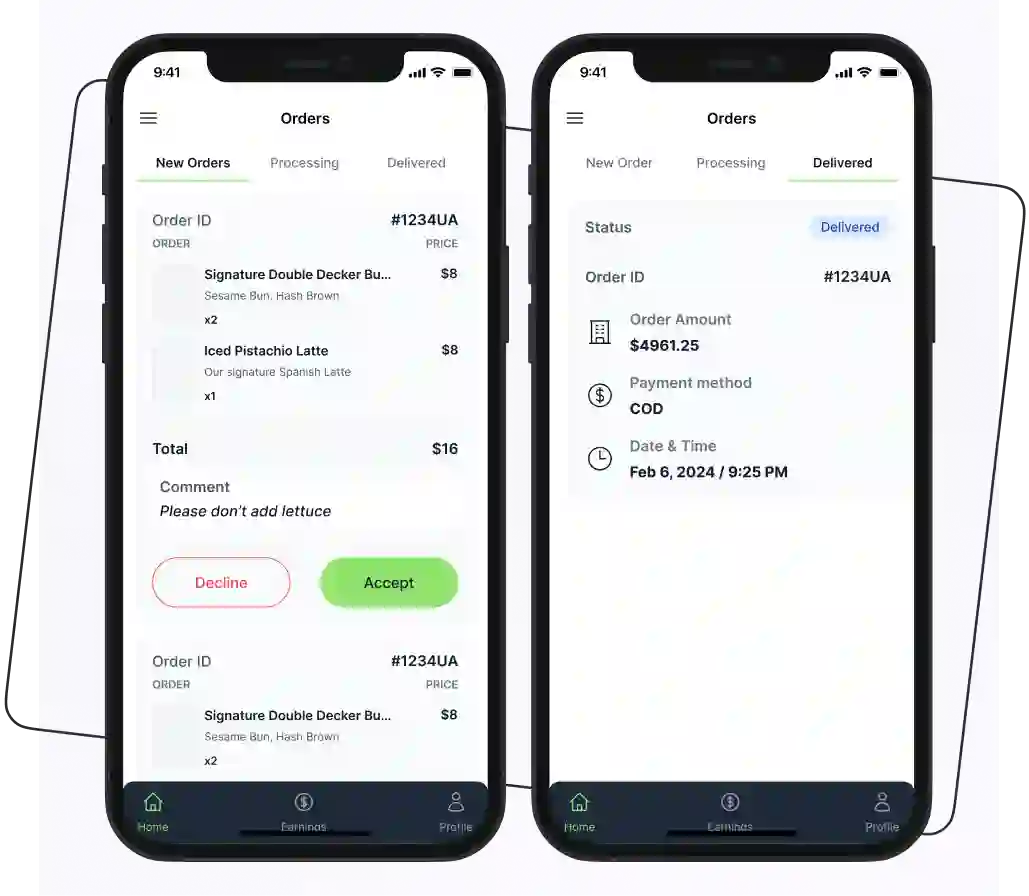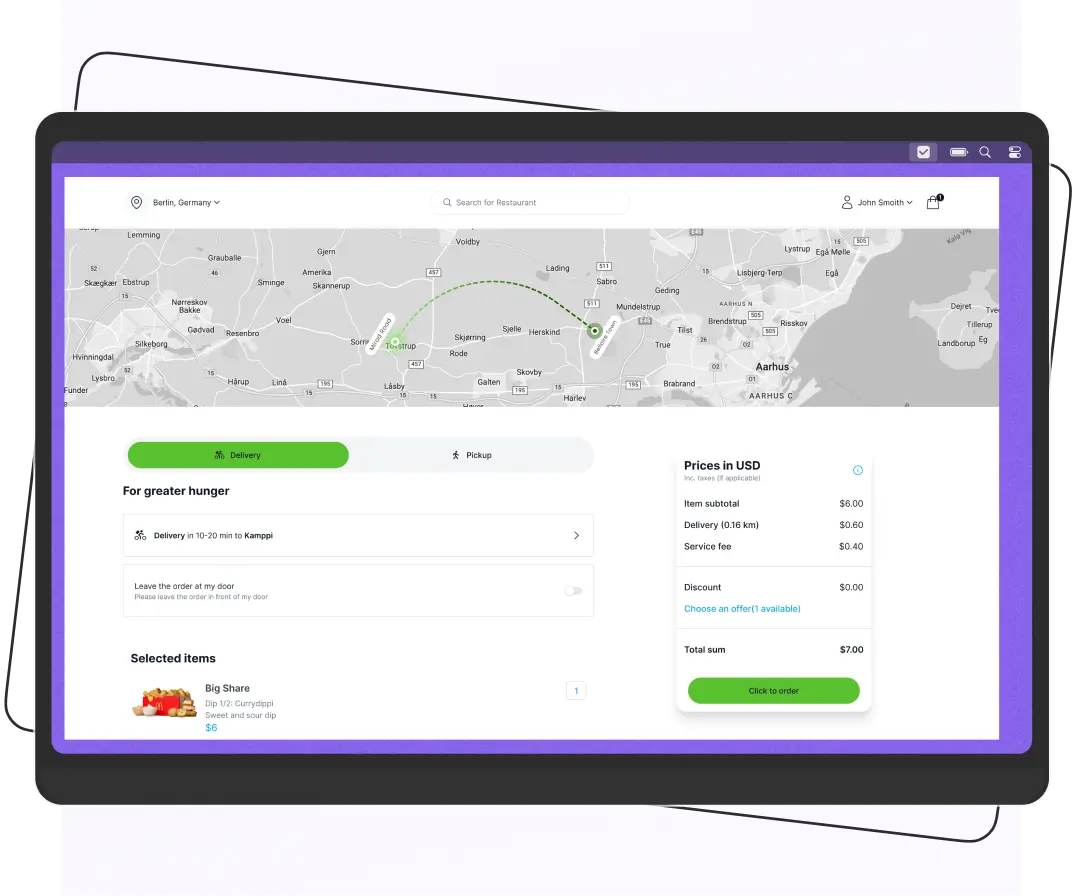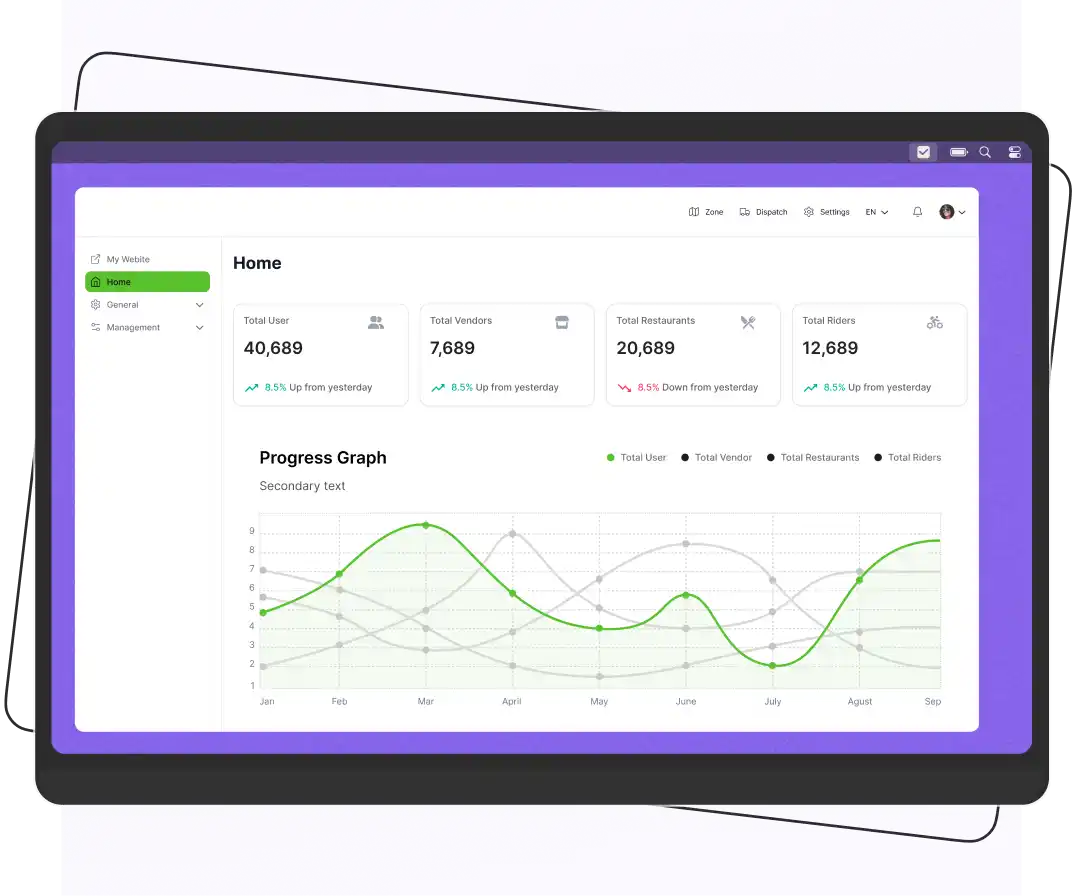



An open-source delivery app is a food ordering and delivery platform whose source code is available under a license that allows users to inspect, modify, and use it according to the license terms. Businesses can use these platforms to build branded food delivery services, manage orders, coordinate delivery operations, and customize the experience for their customers. However, not every solution offers complete access to its source code, and some require paid licenses, hosting, or ongoing development.
Marketplaces like Uber Eats and DoorDash charge restaurants commissions on every order. That pushes many owners and founders toward running their own ordering and delivery platform. An open-source delivery app is one way to do it, giving you code-level control and no per-order software commission.
But not every platform that claims to be open source gives you full access to its source code. Some products publish all their code, some publish only part of it, and some require a commercial license. This guide sorts the options honestly so you know what you can actually modify, host, and own.
To help you select the right tool that doesn’t need much investment, we have compiled a list of the best open source food delivery software to help you pick the best one.
What is the Open Source Delivery App?
An open-source delivery app is software whose source code is available under a license that allows users to inspect, modify, and use it according to the license terms. Businesses can use this software to create branded food ordering services, manage orders, and coordinate delivery operations.
Depending on the platform, the software may include:
- Customer ordering interfaces
- Restaurant management tools
- Delivery applications
- An administrative dashboard
An open-source delivery platform can help businesses:
- Accept orders directly from customers.
- Manage restaurant menus and incoming orders.
- Coordinate delivery assignments and order statuses.
- Customize the ordering experience to match their brand.
- Integrate payment gateways and other business tools.
- Reduce dependence on third-party food delivery marketplaces.
However, open-source software is not necessarily free to operate. Hosting, development, integrations, maintenance, and technical support can add to the total cost.
It’s also important to distinguish fully open-source software from platforms that provide open-source frontend applications but use commercially licensed backend services.
Types of Open-Source Delivery Apps
| Type | What It Means | Can You Host and Customize Everything? |
| Fully open source | The complete code is available under an open-source license, such as MIT. | You can, as long as you follow the license terms. |
| Partially open source | Some parts, such as the frontend, are open source, while others may require payment. | You can customize only the parts your license allows. |
| Commercial software with source code | The code is available under a commercial license with specific restrictions. | It depends on the license terms. |
Open Source Delivery App vs. SaaS Delivery Platform
Look at the table below and understand the differences between an open source delivery app and a SaaS delivery platform.
| Factor | Open Source Delivery App | SaaS Delivery App |
| Cost | Usually free to download. No license fee. But you may pay for hosting, customization, maintenance, or premium modules. | Requires an ongoing subscription or a one-time license fee. Hosting/support included in cost. |
| Customization | Full access to the source code. You can change workflows, add features, or integrate third-party APIs. | Limited customization; must stay within the vendor’s feature set or pay for custom development. |
| Ownership | You control the code and data; no vendor lock-in. | Vendor owns the code and often controls data storage. |
| Support | Community-based support (forums, GitHub). Paid support is usually available from third parties. | Dedicated, often 24/7 vendor support. SLAs included. |
| Time to Launch | Requires in-house tech skills or hiring developers; setup takes longer. | Ready-made solution, usually faster to deploy. |
| Security and Updates | You’re responsible for applying patches, securing servers, and testing new releases. | Vendor handles security, compliance, and updates automatically. |
| Scalability | Unlimited potential if you invest in infrastructure and development. | Scaling depends on your plan or vendor capabilities. |
| Long-Term Costs | Lower ongoing license fees but potentially higher development/maintenance costs. | Higher recurring fees, but predictable and includes updates/support. |
| Examples | Enatega (open source code), TastyIgniter, and custom GitHub projects. | Toast, ChowNow, Square for Restaurants, Uber Eats, white-label solutions. |
Best Open Source Food Delivery Platforms
Several open source food delivery apps are available for customers. We gathered the best ones that stood out and provided a better user experience.
Look below and learn about the best open source food delivery apps.
Enatega: Best for Launching a Multi-Vendor Delivery Marketplace
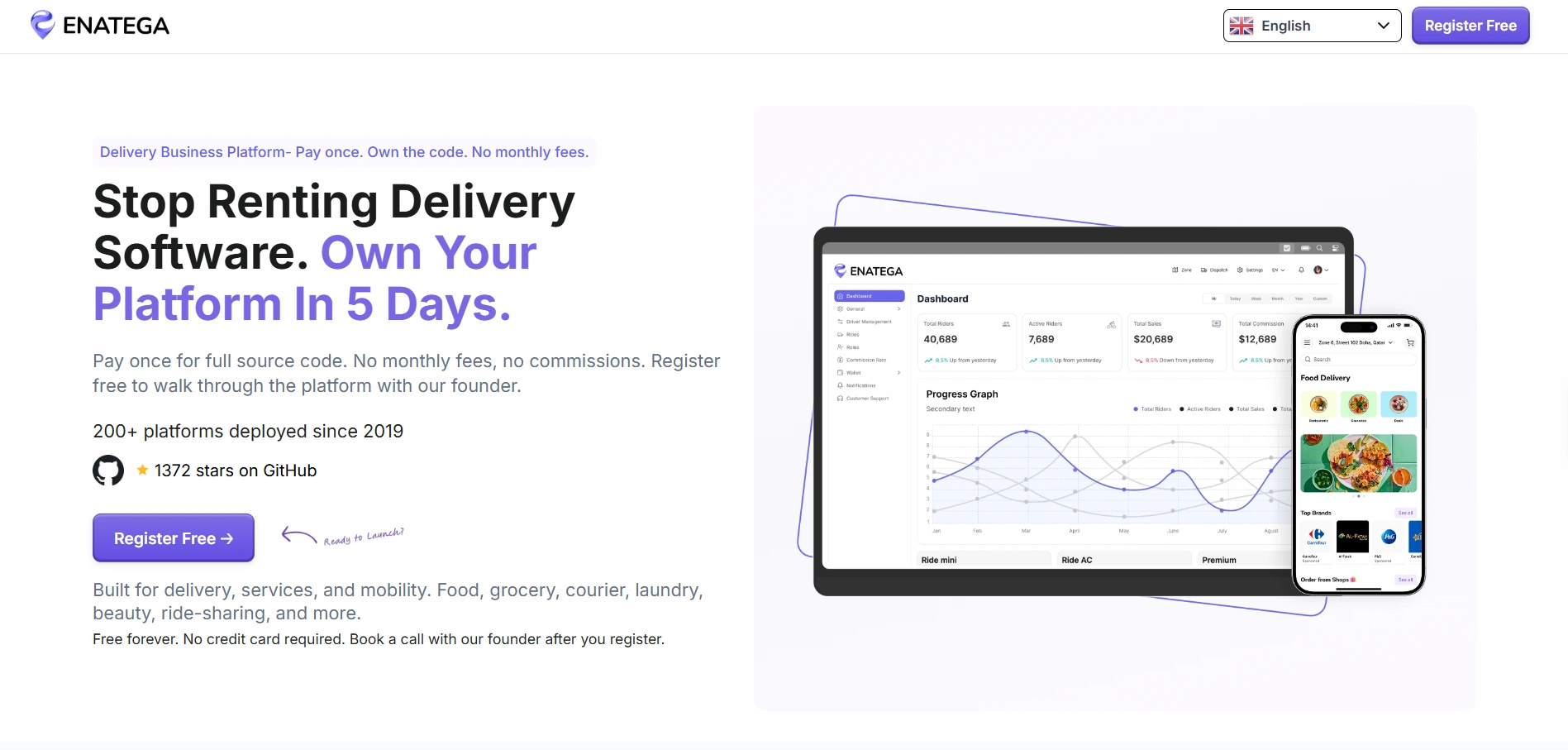
Enatega is a customizable food delivery platform designed for businesses that want to launch their own branded food ordering and delivery service. It offers solutions for managing customers, restaurants, orders, and delivery operations through a connected platform.
Depending on the package and licensing terms, businesses can access different components of the platform to build and customize their food delivery solution.
Before choosing Enatega, review the available source code, backend access, deployment options, and commercial licensing requirements to understand which components you can modify and host yourself.
Enatega is suitable for businesses that want to develop a branded food delivery experience rather than rely entirely on third-party marketplaces. Its available applications and management tools can help businesses coordinate ordering and delivery operations.
Features of Enatega
- Customer ordering app
- Restaurant management app
- Delivery rider app
- Order management
- Delivery management
- Loyalty programs and promotions
- Multiple payment method integrations
- Analytics and reporting
- Customization options for food delivery businesses
Limitations
- Marketing features are not included
Supercharge your deliveries with Enatega.
Launch NowOrdering.Co: Best for a Branded Online Ordering Experience

Ordering.co is an online ordering platform that helps restaurants and food businesses manage digital orders, menus, payments, and customer interactions. It offers tools for businesses that want to establish a branded online ordering experience.
However, businesses should distinguish between publicly available source code and commercially licensed platform components.
Ordering.co offers open-source frontend components, while access to certain backend components may depend on the applicable commercial agreement. Review its current licensing terms and documentation before assuming that the entire platform can be downloaded, modified, and self-hosted.
Ordering.co may be worth considering for businesses that want customizable online ordering tools and a branded digital experience. Companies that specifically require complete control over their delivery platform should verify backend access, deployment options, and ongoing costs before choosing it.
Key Features of Ordering.co
- Customizable online ordering interfaces
- Digital menu management
- Order management tools
- Payment integration options
- Customer and business management tools
- Marketing and search engine optimization features, depending on the package
- Options for branded ordering experiences
Limitations
- Ordering.co offers open-source frontend code, but its backend source code requires a separate enterprise licensing agreement.
- Self-hosting also requires an enterprise package, and paid plans may add ongoing costs as your business grows.
TastyIgniter: Best for Single Restaurants and Takeaway Businesses

TastyIgniter is an open-source restaurant management and online ordering platform designed for restaurants, cafes, and takeaway businesses. It helps businesses manage online menus, accept food orders, and build a branded online ordering experience.
Unlike hosted ordering services that restrict access to their underlying code, TastyIgniter is an open-source project that businesses and developers can inspect and customize under its applicable software license. However, running and maintaining the platform may require hosting, technical expertise, configuration, and ongoing updates.
TastyIgniter may be a suitable option for restaurants that want more control over their online ordering system without building every component from scratch. Before choosing it, review its documentation, available extensions, integration requirements, and compatibility with your business operations.
Key Features of TastyIgniter
- Online food ordering
- Restaurant menu management
- Order management
- Restaurant website customization
- Extensions and integrations
- Support for restaurant operations
- Customization through development
Limitations
- Designed mainly around restaurant ordering, so a multi-vendor marketplace with a rider network needs extensions or custom development.
- You handle hosting, updates, and security.
Open-Source Delivery App Feature Checklist
The features of an open-source delivery app depend on the software you choose, its license, and the components available in the project. Some platforms provide basic online ordering, and others may require additional development to support restaurant management, delivery tracking, and multi-vendor operations.
Before choosing a solution, identify the features your business needs and confirm whether they are included, available through extensions, or require custom development.
For Customers
| Features | Description |
|---|---|
| User registration and login | Allow customers to create accounts and manage their profiles. |
| Order status updates | Show customers whether an order is pending, accepted, prepared, or dispatched. |
| Order History | Show the history of past orders for easy ordering and to know the favorite items. |
| Order Tracking | Customers can track their orders to know when the rider has arrived. |
| Multiple Payment Options | Provide various payment methods such as digital wallets, credit/debit cards, and cash on delivery. |
| Ratings and Reviews | Customers can easily rate and provide feedback to restaurants and riders about their overall experience. |
| Notifications | Customers get notifications about their order status, new deals, and promotions. |
| Customization | Customers can add special instructions. For example, which ingredients are added, where the order is placed, and more. |
For Restaurants
| Features | Description |
|---|---|
| Menu Management | Restaurants can add or remove items from the menu. Also, they can edit prices, descriptions, etc. |
| Order Management | Restaurants can easily manage their orders and know which orders are completed, delivered, and pending. Plus, they also track the rider’s location. |
| Payment Processing | The restaurant can easily manage all payments with secure payment methods. |
| Marketing and Promotion | Create and promote marketing campaigns to reach more customers. |
| Inventory Management | Track and manage inventory hassle-free to ensure all the main items are in stock. |
For Delivery Riders
| Features | Description |
|---|---|
| Order Acceptance/Rejection | The delivery riders can accept or reject orders. |
| Delivery status updates | Mark orders as picked up, in transit, and delivered. |
| Order Confirmation | The delivery riders can confirm when they deliver their order. |
| Order Assign | The riders receive all the order details of the delivery, like name, address, contact number, and food details. |
| Earnings reports | View delivery earnings if the business model supports rider payments and the software includes this functionality. |
Admin Panel
| Feature | Description |
| User Management | Manage customer, restaurant, and delivery rider accounts from a central dashboard. Administrators can keep all operations organized from one place. |
| Order Monitoring | View and manage orders across the platform in one place. Administrators can track order progress, identify delays, and help resolve issues affecting customers, restaurants, or delivery riders. |
| Restaurant Approvals | Review restaurant applications before allowing businesses to join the platform. Administrators can verify restaurant details, approve or reject applications, and update restaurant information when needed. |
| Delivery Configuration | Set delivery zones, delivery fees, and operational rules based on the business model. These settings help define where orders can be delivered and how delivery charges are calculated. |
| Promotions | Create and manage discounts, coupon codes, and special offers to attract customers and encourage repeat orders. Depending on the software, administrators may also set promotion periods and eligibility conditions. |
| Reports and Analytics | Review available data on orders, sales, restaurant performance, and delivery operations. These reports help administrators identify trends, monitor business performance, and make informed operational decisions. |
| Role-Based Access | Assign permissions to administrators, restaurant managers, and other team members based on their responsibilities. This helps protect sensitive information and ensures users can access only the tools they need. |
What Does an Open-Source Delivery App Cost?
The cost of an open-source delivery app depends on the license, hosting setup, required features, and amount of customization.
A project that is free to download may still require significant development and maintenance. A platform with a commercial license may offer additional services or backend access that reduce the amount of work your team needs to perform.
Before choosing a solution, estimate the following expenses:
| Cost category | What to consider |
| Software license | Purchase fees or commercial licensing requirements |
| Hosting | Servers, storage, databases, and infrastructure |
| Development | Custom features, design changes, and integrations |
| Payment processing | Transaction fees charged by payment providers |
| Maintenance | Updates, bug fixes, and compatibility work |
| Support | Developer assistance, managed services, or support agreements |
| Operations | Monitoring, backups, testing, and troubleshooting |
The best option is not necessarily the one with the lowest initial price. Choose the platform that meets your business requirements at a sustainable total cost.
How to Choose the Right Open-Source Delivery App
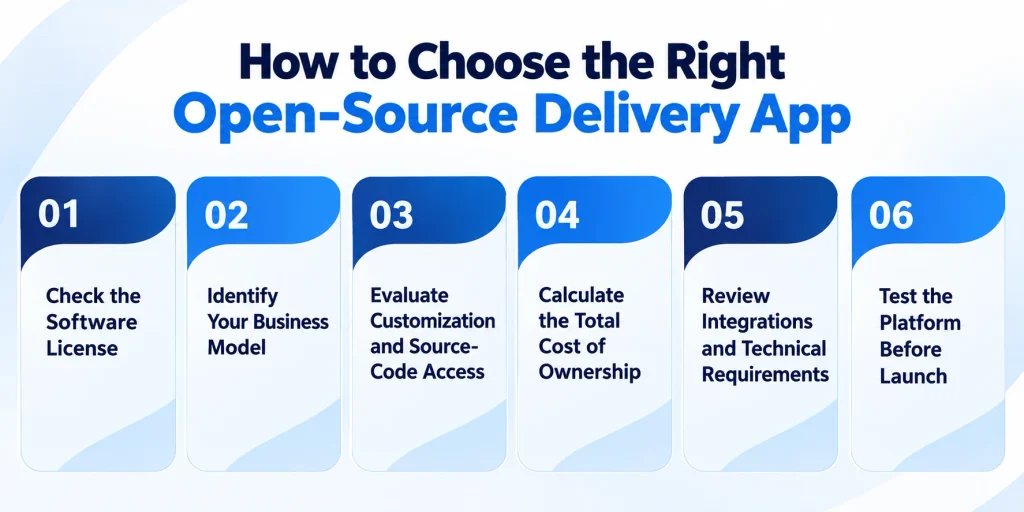
Choosing the right open-source delivery app depends on your business model, technical resources, budget, and long-term goals. Before selecting a platform, evaluate its licensing terms, available features, customization options, and maintenance requirements.
1. Check the Software License
Start by reviewing the software license to understand how you can use, modify, and distribute the code. Confirm whether commercial use is permitted and whether any conditions apply to modified versions or redistributed software.
Do not assume that a free download means the software is fully open source. Check the license and determine which components are included.
2. Identify Your Business Model
Choose software that supports the way your business operates. A single restaurant may need online ordering and order management, and a multi-vendor marketplace may require separate restaurant accounts, vendor management, rider applications, and centralized administration.
List your essential requirements before comparing platforms. This helps you avoid paying for unnecessary features or choosing software that requires extensive customization.
3. Evaluate Customization and Source-Code Access
Check whether the platform provides access to its frontend, backend, mobile applications, and APIs. Some solutions allow extensive customization, and others restrict access to certain components or require a commercial agreement.
If you plan to modify the software or host it yourself, confirm that the applicable license and technical architecture support your requirements.
4. Calculate the Total Cost of Ownership
Open-source software may reduce licensing expenses, but it is not necessarily free to operate. Include the cost of these things:
- Hosting
- Development
- Integrations
- Security updates
- Maintenance
- Payment processing
- Technical support
Compare these expenses with those of commercial delivery platforms. Focus on the estimated cost of running the system over time rather than the initial download or setup cost alone.
5. Review Integrations and Technical Requirements
Check if the platform works with your business tools. Confirm that the required integrations are available and compatible with your target market.
You should also review the installation instructions, server requirements, documentation, and developer support available for the project.
6. Test the Platform Before Launch
Install a demo or test environment and run through the complete ordering process. Testing helps you identify missing functionality and integration problems before real customers begin placing orders.
FAQs
The best option depends on your business requirements. Enatega may suit businesses exploring a branded delivery platform, Ordering.co may fit businesses looking for customizable ordering technology, and TastyIgniter may suit restaurants looking for an open-source restaurant ordering system.
Open-source software offers transparency, community collaboration, and flexibility, while proprietary software often provides dedicated support and polished user experiences. The choice depends on specific needs and preferences.
Yes, open-source apps can be paid. The source code is freely available; developers may charge for services like support, hosting, or premium features.
An example of an open-source application is LibreOffice, a free office suite that includes applications for word processing, spreadsheets, presentations, and more. It is widely used as an alternative to proprietary office software.
Open-source delivery software may be available to download without a purchase fee, but that does not mean running it is cost-free. Hosting, customization, integrations, maintenance, security updates, and technical support can all create expenses. Always review the software license and calculate the total cost of ownership before choosing a platform.
Open-source software offers many benefits, but it also has some disadvantages:
Limited official support
Compatibility issues
Security risks
Some open-source projects may require technical expertise to install, configure, and customize
Supercharge your deliveries with Enatega.
Launch NowConclusion
Open source delivery apps have transformed the food industry and provide a cost-effective solution to food businesses. These apps can help you grow easily and improve your productivity.
They can give you control and remove software commissions, but you pay in setup, maintenance, and responsibility. Choose TastyIgniter for a single restaurant, Enatega for a multi-vendor marketplace, and Ordering.co if you want a polished storefront with a commercial backend. Whatever you pick, read the license, test a demo, and budget for total cost of ownership.
About the author

Hudaibia Khalid is a senior content writer with several years of experience in creating clear and easy-to-understand content. Over the years, she has worked closely with startups, restaurants, and entrepreneurs, helping them simplify complex digital and technical topics into actionable insights.
Her expertise lies in writing about on-demand platforms, food delivery solutions, and business growth strategies in a way that is accessible even to non-technical readers. With her experience in the industry, she focuses on guiding businesses step by step, from understanding ideas to turning them into fully working solutions.
SHARE






 IOS
IOS Android
 Web
Web