

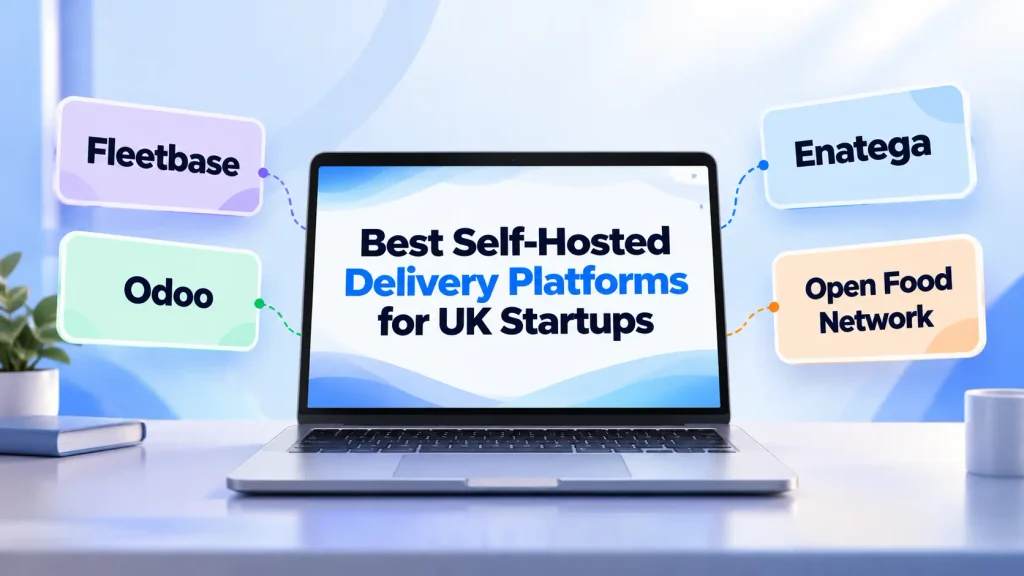
Fleetbase is a good fit for courier and last-mile businesses. Odoo Community works better for retailers and wholesalers that also need inventory and business management. Open Food Network is a natural choice for local food hubs and co-ops. And if you want to build your own food, grocery, pharmacy, or multi-service delivery business with control over the software, Enatega is a strong option.
Your delivery business should be yours, not just a storefront sitting on someone else’s software.
A self-hosted delivery platform gives you more freedom. You can run the software on your own server, keep control of your data, customize the platform, and build the customer and delivery experience around your business.
But not every platform that says “white-label” is actually self-hosted. Some give you your own branding but still keep control of the software and hosting.
So, what should you look for before choosing one?
We’ve compared some of the best self-hosted delivery platforms for UK startups that need to run a delivery business.
What is a Self-Hosted Delivery Platform?
A self-hosted delivery platform is software that you install and run on infrastructure you control, such as your own server or a cloud provider’s UK data centre. Instead of paying a monthly SaaS fee to use someone else’s system, you manage the software and hosting yourself.
Depending on the platform, it can handle everything from taking an order to getting it to the customer, including:
- Online ordering: Let customers place orders through your website or app.
- Dispatch: Assign orders to the right driver or courier.
- Route planning: Help drivers plan efficient delivery routes.
- Live tracking: Let customers and your team track orders in real time.
- Proof of delivery: Confirm completed deliveries with photos, signatures, or codes.
- Reporting: Track delivery times, driver performance, completed orders, and delivery costs.
Supercharge your deliveries with Enatega.
Launch NowWhy UK Startups Choose Self-Hosted Delivery Software
For a startup, owning your delivery software can make a big difference as the business grows. You have more control over costs, data, features, and the way your platform works.
Here are some of the biggest benefits.
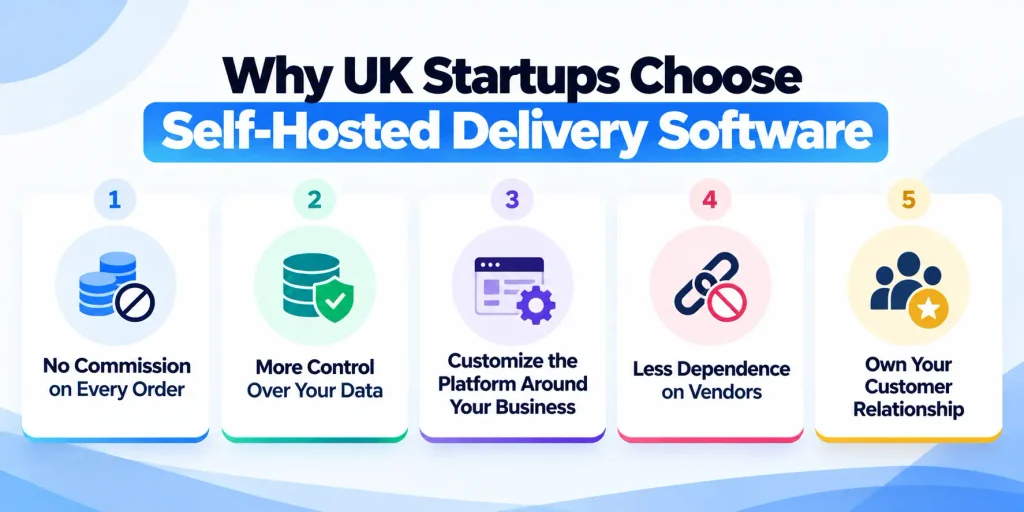
- No Commission on Every Order
Third-party marketplaces can take a percentage of each order. With self-hosted software, you pay for the infrastructure and services you use instead of giving up a cut of every sale.
- More Control Over Your Data
Customer names, phone numbers, addresses, and order history stay within your own setup. This gives you greater control over how customer data is stored and managed under UK GDPR requirements.
- Customize the Platform Around Your Business
Need a different delivery fee, pricing rule, or third-party integration? With self-hosted software, you have more freedom to make changes without waiting for a vendor to add them.
- Less Dependence on Vendors
You’re not tied to one provider’s pricing, features, or roadmap. If your needs change, you have more control over your software, data, and future development.
- Own Your Customer Relationship
Instead of sending customers through a marketplace, you can build the experience around your own brand and keep your customer relationship in-house.
When is Self-Hosting Not the Best Choice?
Self-hosting isn’t automatically the right option for every startup. If you have a very small delivery operation, need to launch within days, or don’t have anyone to handle hosting and technical maintenance, a managed SaaS platform may be simpler and cheaper in the short term.
How We Evaluated These Platforms
We looked at the things that actually matter when you’re choosing delivery software for a UK startup:
- Delivery features: Dispatch, driver apps, live tracking, and proof of delivery.
- Pricing and licence: What it costs to run the platform and what the licence includes.
- Development: How actively the platform is maintained, along with its documentation and updates.
- Scalability: Whether it can handle a small delivery team today and a larger fleet later.
- UK suitability: Support for UK hosting, GBP payments, UK GDPR requirements, and common local delivery use cases.
Top Self-Hosted Delivery Platforms for UK Startups
Below is a list of the best self-hosted delivery platforms for UK startups.
| Platform | Best For | Main Focus Area | License Type |
| Fleetbase | Logistics and Fleet Management | Real-time routing and driver apps | Open-source (MIT) |
| Odoo Delivery | All-in-One Business Operations | Inventory and multi-channel retail | LGPLv3 / Proprietary |
| Open Food Network | Sustainable and Local Produce | Food hubs and community markets | Open-source (AGPL) |
| Enatega | Quick-Commerce and Food Delivery | White-label food delivery apps | Commercial / Open-source variations |
1. Enatega – Best for Startups That Want to Own Their Delivery Platform
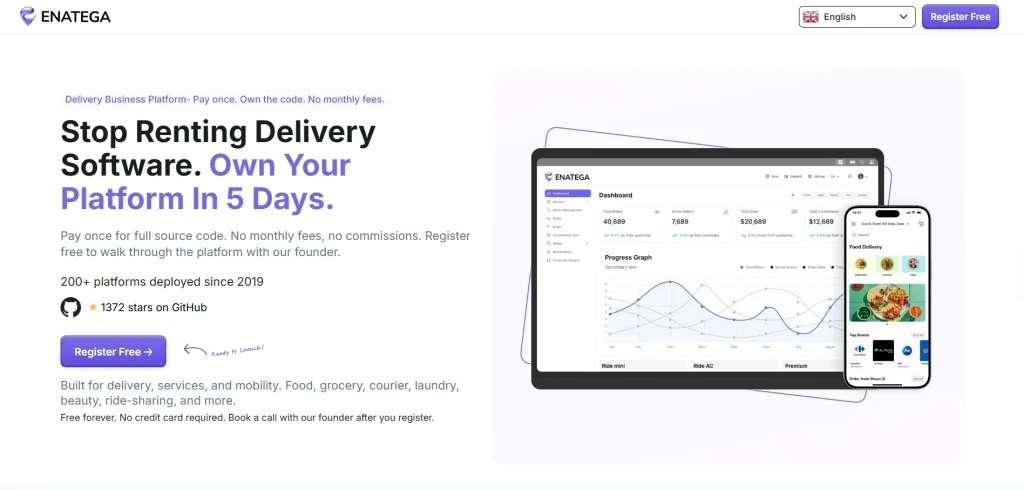
Best for: UK startups launching food, grocery, pharmacy, or multi-service delivery businesses that want to own their platform instead of relying on a third-party marketplace.
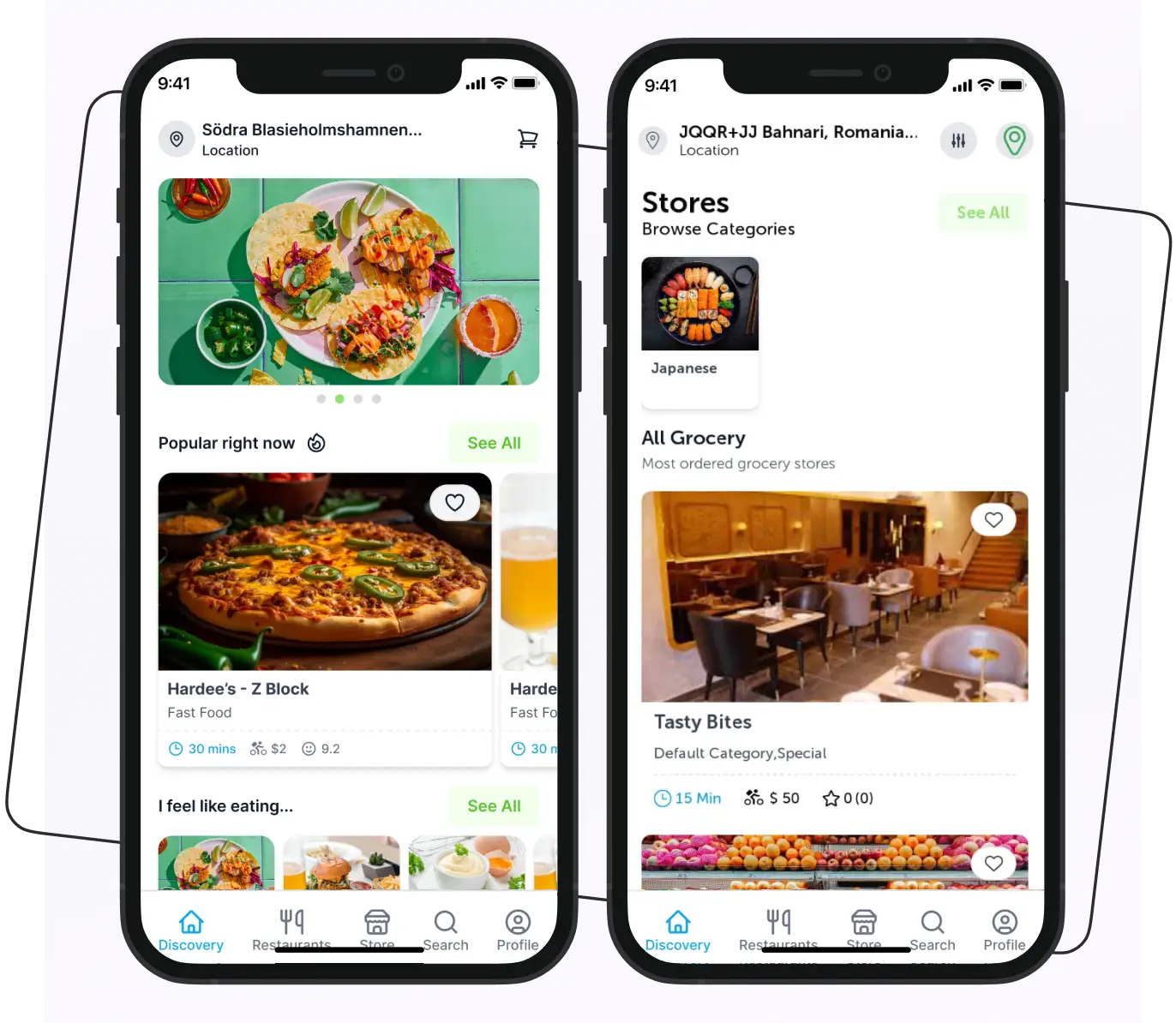
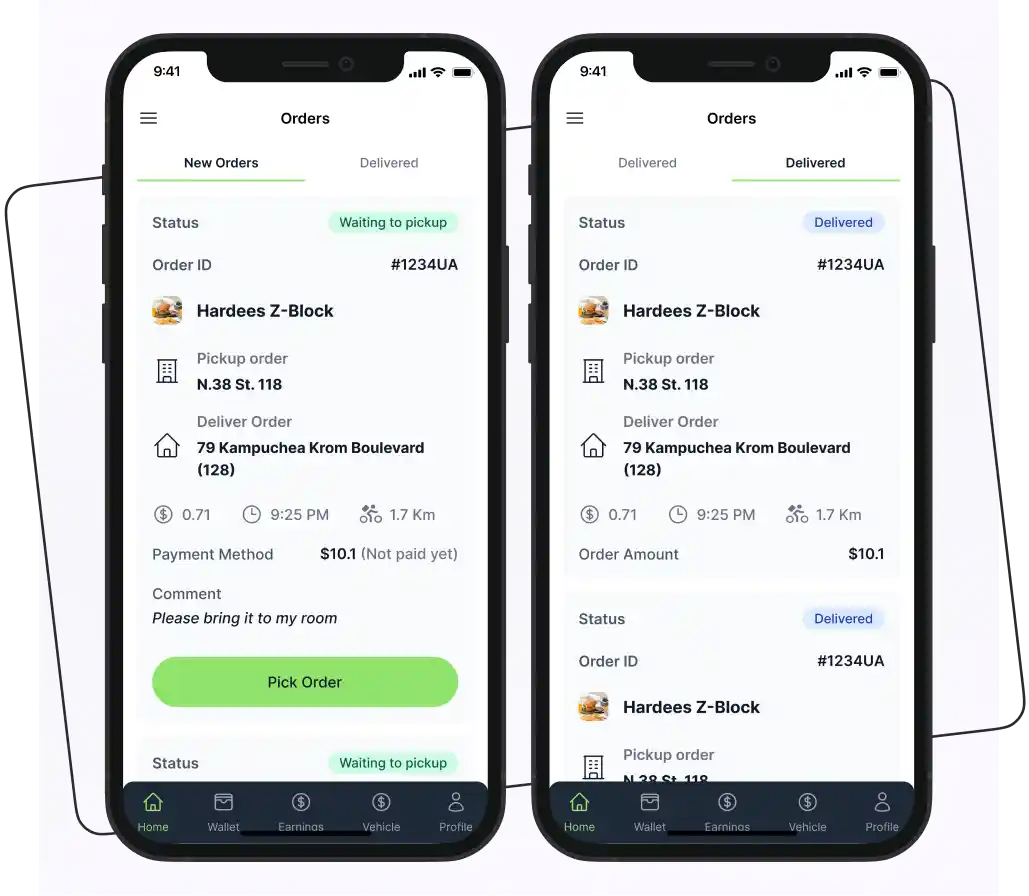
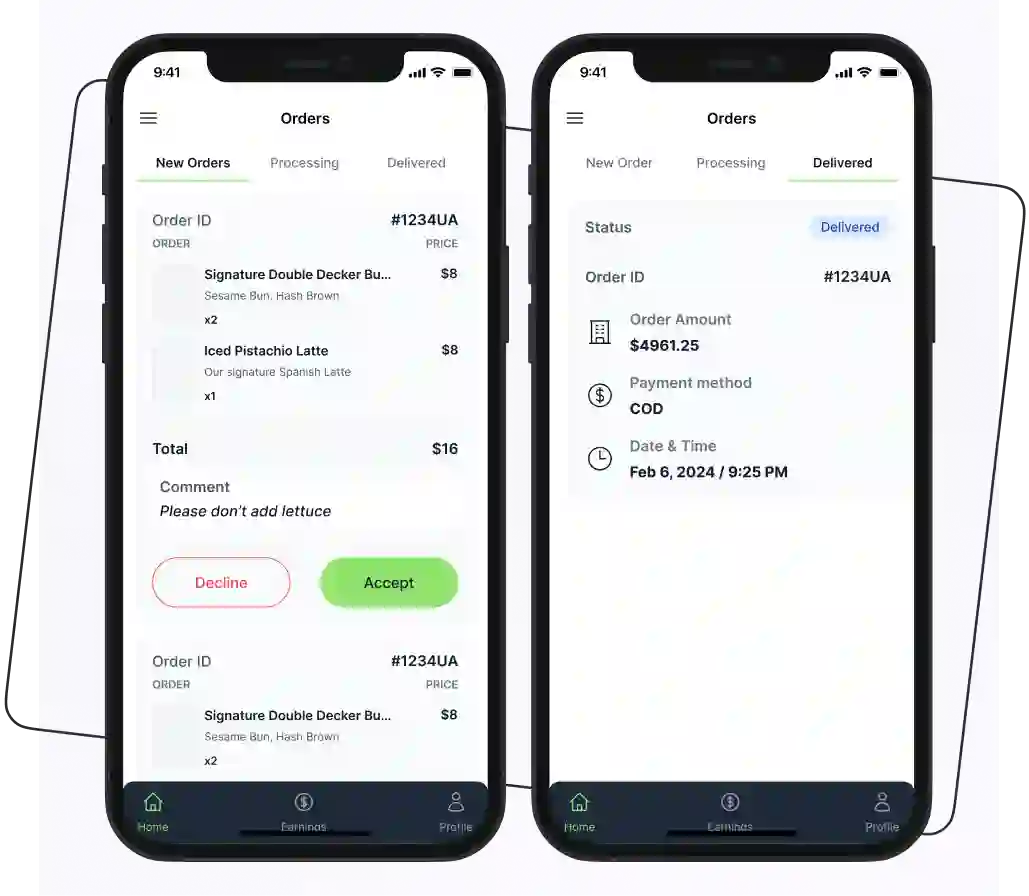
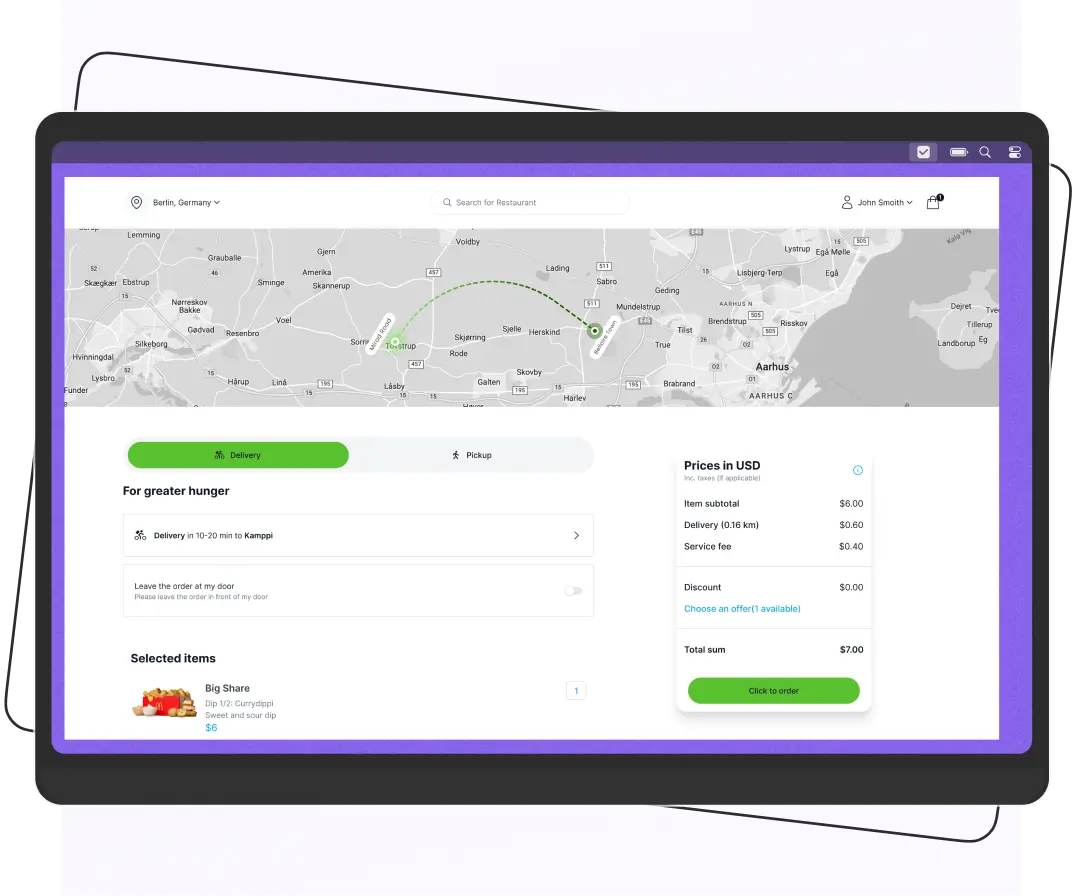
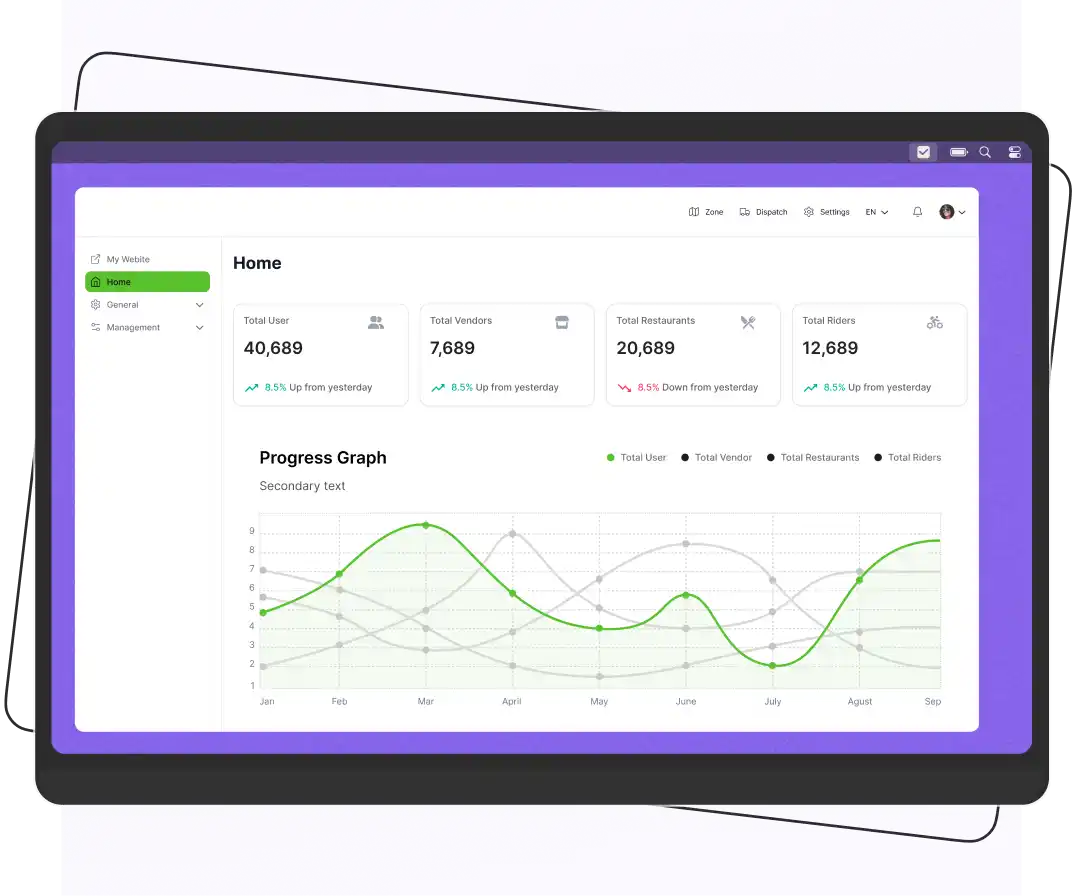
Enatega is an open-source, white-label delivery platform built for businesses that want to launch and manage their own delivery service. It supports food, grocery, pharmacy, and other delivery use cases from one platform, with separate apps for customers, vendors, and riders alongside a central admin dashboard.
The platform is self-hosted, giving businesses access to the source code and control over their own infrastructure.
It uses a one-time licensing model rather than charging a commission on every order, which can make it attractive for startups planning to grow across multiple locations or services.
Enatega Main Features
- Customer, vendor, rider, and admin applications.
- Multi-vendor support for restaurants, stores, and other businesses.
- Delivery zones, order assignment, commissions, coupons, tips, and wallets.
- Online payments through gateways such as Stripe and PayPal, plus cash on delivery.
- Google Maps integration for locations and delivery management.
- Push notifications, email notifications, and real-time order updates.
- Self-hosting with access to the source code.
- Support for multiple delivery verticals from one platform.
Pros
- Full control over the platform and source code.
- No per-order commission or recurring SaaS subscription.
- Supports multiple delivery business models.
- Can be customized as the business grows.
- Suitable for startups planning to operate across multiple locations or verticals.
Cons
- Self-hosting means you need technical resources for deployment and maintenance.
- Custom changes may require developer support.
2. Fleetbase – Best Overall for Last-Mile and Courier Startups
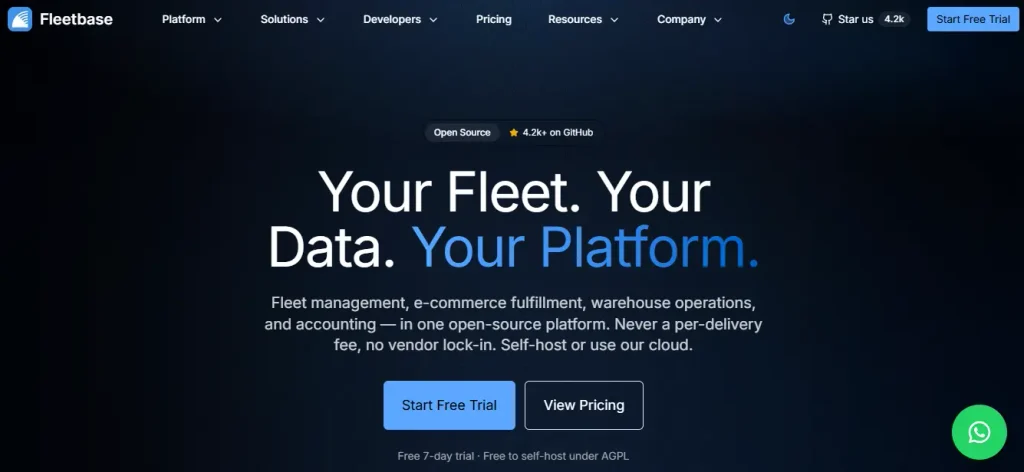
Best for: Same-day courier services, grocery and restaurant delivery startups, and logistics businesses that need a flexible platform with strong API capabilities.
Fleetbase is an open-source logistics platform built for businesses that need to manage deliveries, fleets, and drivers. Its Fleet-Ops extension covers the core delivery workflow, from creating and scheduling orders to dispatching drivers and completing deliveries.
It also provides a REST API, driver and customer apps, and the option to move to a managed cloud setup if you no longer want to handle the infrastructure yourself.
Fleetbase Main Features
- Create, import, schedule, and dispatch delivery orders.
- Monitor fleets, drivers, and vehicles from a central dashboard.
- Manage delivery zones, service rates, and webhooks.
- Track KPIs such as delivery times and driver performance.
- Use APIs to connect Fleetbase with your own apps and systems.
- Switch to a managed cloud option when you want less technical maintenance.
Licence and Cost
- The platform can be self-hosted under the AGPL-3.0 licence.
- Fleetbase offers paid deployment services for businesses that want help getting started.
- A commercial licence is also available for businesses that cannot meet the AGPL requirements.
- Fleetbase Cloud is available if you prefer a managed setup. Pricing can change, so verify the current rates before budgeting.
Pros
- Built specifically around logistics and delivery operations.
- Open-source and API-first.
- Supports fleet, driver, and delivery management.
- Gives startups the option to move between self-hosted and managed cloud setups.
Cons
- AGPL requirements need careful consideration if you modify the software and offer it as a network service.
- You are responsible for servers, updates, backups, and maintenance when self-hosting.
- Customizing the platform may require developer support.
3. Odoo Community: Best for Businesses That Need More Than Delivery
Best for: Retailers, wholesalers, and product-based startups that need delivery as part of a larger business operation rather than a dedicated delivery management system.
Odoo Community is an open-source business suite that covers much more than delivery. It includes tools for sales, inventory, accounting, CRM, eCommerce, and order management. It makes it a good fit for startups that want to manage their wider business from one system.
The Community edition can be self-hosted. Its inventory, sales, and delivery features can handle basic delivery operations for businesses selling physical products.
Pros
- Manage orders, inventory, invoicing, and delivery in one place.
- Flexible and highly customizable.
- Access to a wide network of Odoo implementation partners in the UK.
Cons
- Not designed specifically for courier or last-mile delivery operations.
- Advanced driver tracking and route optimization may require additional modules or integrations.
- Some features are only available in the paid Enterprise edition.
- Setting up and customizing Odoo can require technical expertise.
4. Open Food Network: Best for Local Food Hubs and Co-ops
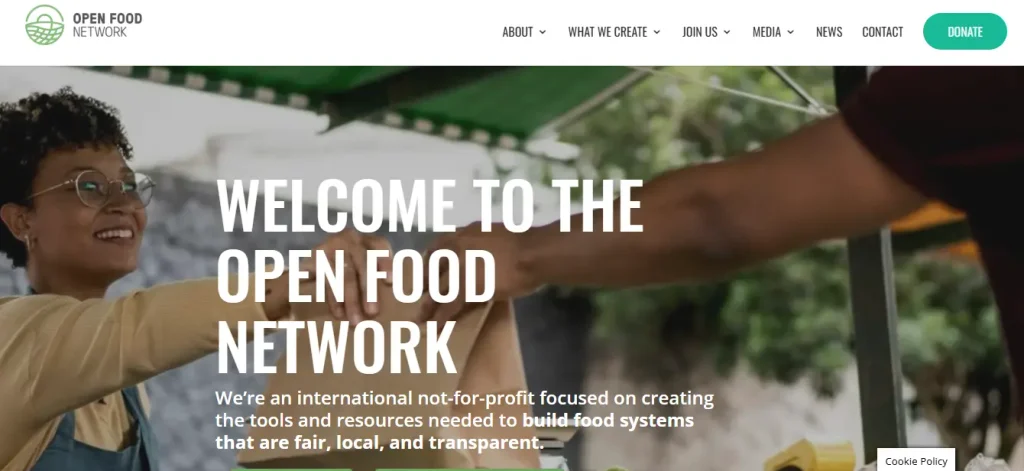
Best for: Veg box schemes, farm collectives, community food hubs, and short-supply-chain startups.
Open Food Network (OFN) is an open-source marketplace built for local food businesses. It allows farmers, producers, food hubs, and co-ops to sell products through shared online storefronts.
The UK network was established in 2014 and operates as a Community Interest Company (CIC). It is suited to businesses that want to support local producers and shorter food supply chains.
Open Food Network Features
- Create online storefronts for producers, food hubs, co-ops, and farmers’ markets.
- Let multiple producers sell through a shared marketplace.
- Support both collection and delivery options.
- Manage orders through defined order cycles.
- Licensed under AGPL-3.0.
- Provides Ansible playbooks to help with server provisioning.
Pros
- Well established in the UK local food sector.
- Strong fit for community-focused food businesses.
- Supports multiple producers and shared marketplaces.
- Open-source with no standard software licence fee.
Cons
- More focused on online food marketplaces than last-mile delivery.
- Limited tools for advanced route planning and courier dispatch.
- Businesses needing dedicated driver apps or real-time fleet tracking may need additional tools.
Which Platform Should You Choose? Quick Decision Guide
The right platform depends on what you’re building and how much control you need:
- Running couriers or on-demand deliveries?
Choose Fleetbase for its logistics and fleet management features.
- Selling and delivering physical products?
Choose Odoo Community if you want delivery alongside inventory, sales, and other business operations.
- Running a local food hub or co-op?
Choose Open Food Network for its focus on local food marketplaces and producers.
- Launching a food, grocery, pharmacy, or multi-service delivery business?
Choose Enatega if you want self-hosting, source-code access, white-label apps, and control over your platform.
- Building something completely custom with an in-house development team?
Consider a composable stack that lets you choose and connect individual services.
- Don’t have technical resources?
A managed cloud platform or SaaS solution may be easier to start with. You can consider self-hosting later as your business and technical team grow.
What Does Self-Hosting Really Cost?
Self-hosted software may be free to download, but running it isn’t. Your actual costs depend on:
- The size of your business
- Traffic
- Integrations
- How much technical work you handle yourself
Here are the main costs to consider:
- Hosting
You may only need a small server for a pilot, but a growing platform could require multiple servers, a managed database, and more resources.
- Maps and routing
Delivery businesses often rely on maps, geocoding, and route planning. You may need to pay for a third-party API or set up and maintain your own mapping services.
- Backups and security
Regular backups, monitoring, updates, and security patches are ongoing responsibilities.
- Developer or DevOps support
This can become one of the highest costs, especially if you don’t have someone in-house to manage deployment, updates, and troubleshooting.
- Compliance
You’ll also need to account for privacy policies, data protection processes, security procedures, and other UK GDPR requirements.
Prices for hosting, APIs, and technical services change regularly, so get current quotes before setting your budget.
UK Compliance Checklist for Self-Hosted Delivery Platforms
Self-hosting gives you more control, but it also means you’re responsible for how your platform handles customer, vendor, and driver data. Before going live in the UK, make sure you have the basics covered.
- UK GDPR and the Data Protection Act 2018
Know what personal data you collect, why you collect it, how long you keep it, and how customers or drivers can request access or deletion.
- ICO registration
Many organisations that process personal data need to pay the ICO data protection fee unless they qualify for an exemption. Check the ICO’s self-assessment tool to confirm whether it applies to your business.
- Where your data is hosted
Using a UK cloud region, such as London, can make data-transfer considerations simpler. However, UK hosting is not automatically required by UK GDPR.
- Security
Use HTTPS, strong authentication, role-based permissions, encrypted backups, regular software updates, and appropriate access controls.
- Driver status
How you classify drivers as employees, workers, or self-employed contractors can have important legal and tax implications. Get professional advice if you’re unsure.
- Food delivery requirements
If your startup delivers food, check the relevant Food Standards Agency and local authority requirements. It includes rules around allergen information for online and distance sales.
- Open-source licences
Check the licence attached to your delivery software before modifying or distributing it. For AGPL-3.0 software, make sure you understand your obligations and whether a commercial licence is more appropriate for your setup.
Important: This checklist is a starting point, not legal advice. Requirements can vary depending on your business model, data processing activities, and how you work with drivers and vendors.
Step-by-Step: How to Launch a Self-Hosted Delivery Platform
You don’t need to build everything at once. Start small, test the platform, and scale once you know what works.
Below is a step-by-step process to help you launch a self-hosted delivery platform.
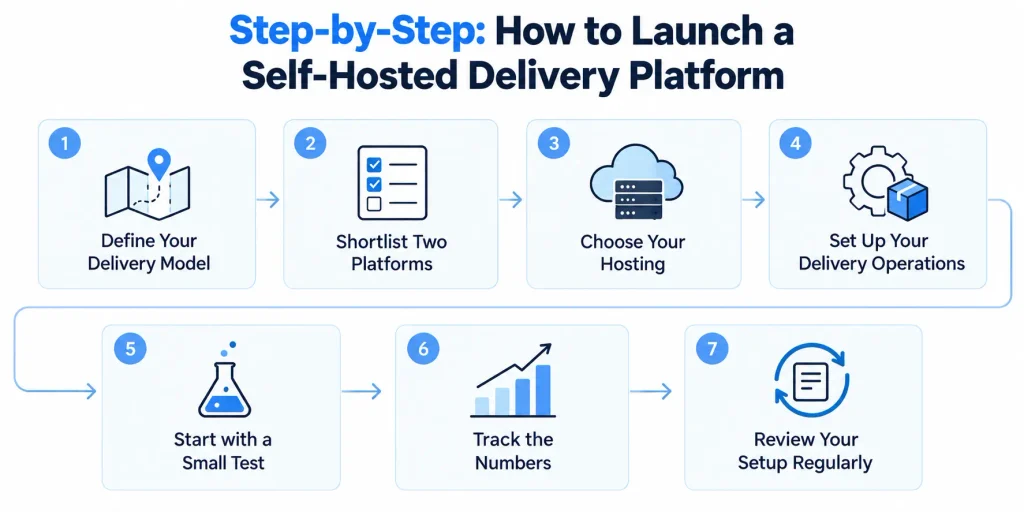
1. Define Your Delivery Model
First, decide what type of delivery business you want to run. Are you delivering your own products, connecting customers with different vendors, or running a courier service for other businesses?
Your answer will help you choose the right software and features. A grocery marketplace, for example, may need vendor management, and a courier business will need stronger driver and dispatch tools.
2. Shortlist Two Platforms
Don’t choose a platform based only on its website or feature list. Pick two options that match your business needs and test both.
Run a small proof of concept for about a week. Try basic tasks such as adding a vendor, placing an order, assigning a driver, changing a delivery fee, and completing a delivery.
This will quickly show you which platform is easier to use and which one needs more development work.
3. Choose Your Hosting
Once you’ve picked a platform, decide where you’ll run it. You can use a cloud provider with a UK data centre or your own server.
Set up regular backups, monitoring, secure passwords, and other basic security measures before you start taking real orders. Don’t wait until something goes wrong to think about backups or security.
4. Set Up Your Delivery Operations
Now configure the platform around your business. Set your delivery areas, fees, operating hours, and driver accounts. If you work with vendors, add their stores, products, and delivery settings as well.
Keep the first setup simple. You can add more rules and features once you know what your customers and drivers actually need.
5. Start with a Small Test
Before launching to everyone, test the platform with a small group of customers and drivers.
Place real or test orders and follow the complete journey from checkout and payment to driver assignment, tracking, and delivery confirmation.
Ask drivers and customers what confused them or took too long. Fix these problems before increasing your order volume.
6. Track the Numbers
Once the test is running, look at the numbers rather than relying only on feedback.
Track things such as:
- On-time delivery rate: How many orders arrive when promised?
- Cost per delivery: How much does each delivery actually cost?
- Failed deliveries: How often do drivers fail to complete an order?
- Average delivery time: How long does an order take from pickup to delivery?
- Driver performance: Are drivers completing their assigned orders efficiently?
- Customer issues: How often do customers contact support about late or missing orders?
These numbers will help you see where the platform or delivery process needs improvement.
7. Review Your Setup Regularly
Self-hosting is not a one-time job. Review your setup every few months.
Check whether your hosting costs are increasing, whether the software is receiving updates, and whether your backups and security measures are still working properly.
As your business grows, you may also decide that managed hosting is worth the extra cost if it saves your team time and reduces technical work.
FAQs
Fleetbase is the strongest all-round choice for courier and last-mile delivery startups because it is purpose-built for dispatch and tracking and is free to self-host under AGPL-3.0. Odoo Community and Open Food Network are better fits for stock-based and local food businesses, respectively.
Often yes, at scale, because you avoid per-driver, per-order, or commission fees. For very small teams, the time spent on setup and maintenance can outweigh the savings.
Self-hosting does not make you compliant automatically. It gives you more control over where data lives, but you remain responsible for lawful processing, security, retention, and individual rights.
AGPL-3.0 allows free use and modification, but if you modify the software and let users interact with it over a network, you generally must make your modified source code available. Companies that cannot accept this can consider a commercial licence, where offered.
Supercharge your deliveries with Enatega.
Launch NowConclusion
There’s no single self-hosted delivery platform that works for every UK startup. It really comes down to what you’re delivering, how your team works, and how much control you want.
Whatever you choose, don't decide based on a feature list alone. Try the platform, run a few real orders, and see how well it fits your day-to-day operations.
Also, look beyond the software price. Hosting, maintenance, development, security, and third-party services can all add to the bill.
About the author

Hudaibia Khalid is a senior content writer with several years of experience in creating clear and easy-to-understand content. Over the years, she has worked closely with startups, restaurants, and entrepreneurs, helping them simplify complex digital and technical topics into actionable insights.
Her expertise lies in writing about on-demand platforms, food delivery solutions, and business growth strategies in a way that is accessible even to non-technical readers. With her experience in the industry, she focuses on guiding businesses step by step, from understanding ideas to turning them into fully working solutions.
SHARE






 IOS
IOS Android
 Web
Web