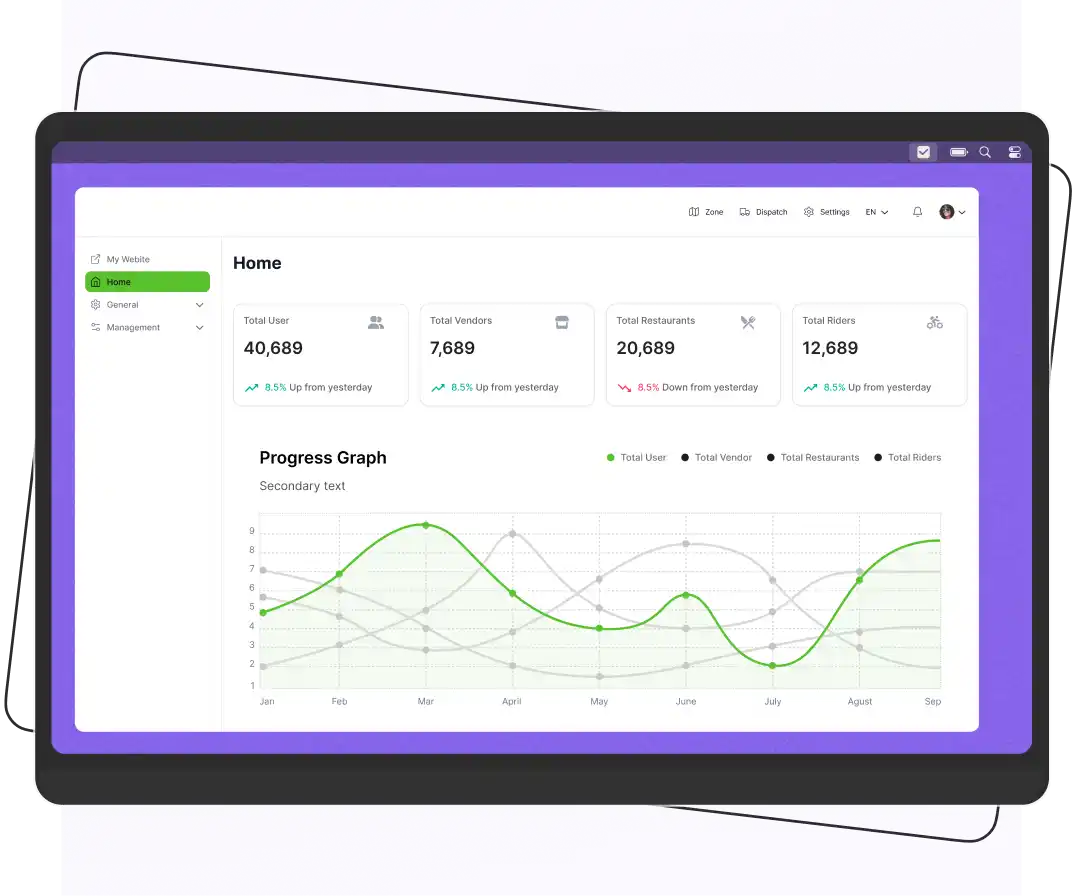


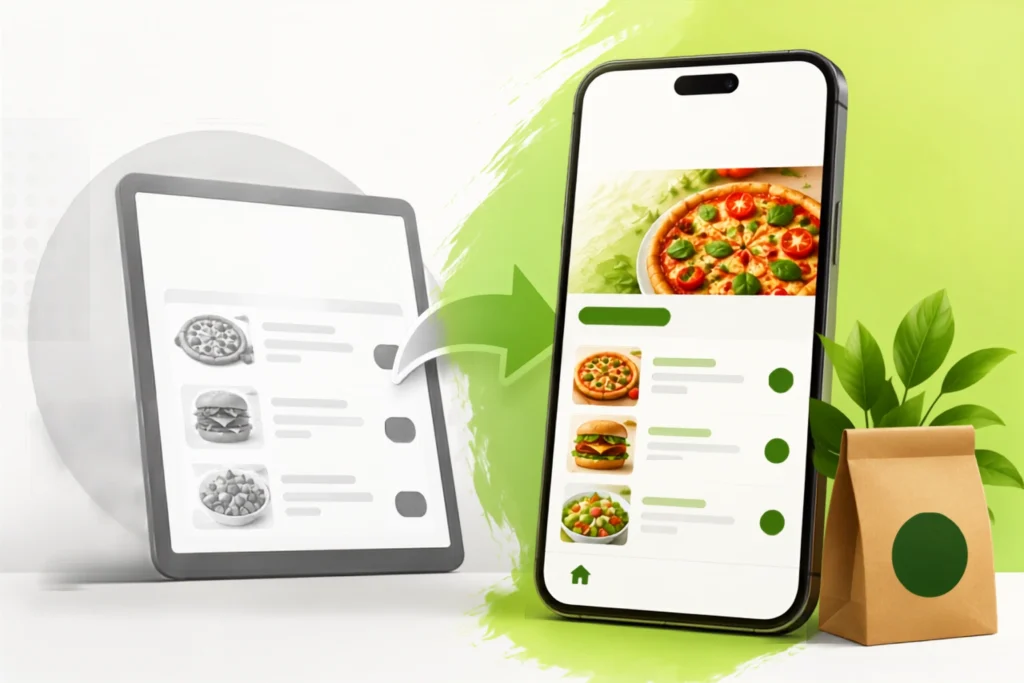
To leave GloriaFood for a branded ordering app, choose a white-label platform, migrate your menu and customer data, customize the app with your branding, configure payments and delivery, test the system, and launch your branded app.
Another order just came in through your GloriaFood widget, but what happens next? Your customer enjoys the meal, then forgets about your restaurant until the next time they search for it. There’s no branded app on their phone, no loyalty reminder, and no push notification bringing them back.
That’s where many growing restaurants hit a wall. GloriaFood is an excellent way to start accepting online orders, but it’s not built to help you create a lasting brand experience or build long-term customer loyalty.
Moving to a branded ordering app is simpler than most restaurant owners expect. It’s not about starting over; it’s about upgrading.
In this blog, you’ll learn how to switch from GloriaFood without disrupting your business and start giving customers an ordering experience they’ll remember.
Supercharge your deliveries with Enatega.
Launch NowWhy Restaurants Outgrow GloriaFood?
GloriaFood is a great platform for restaurants taking their first steps into online ordering. It’s quick to set up, easy to use, and helps businesses start accepting orders without a large upfront investment. But as your restaurant grows, so do your needs, and that’s when its limitations become more noticeable.
Here are some of the biggest reasons restaurants make the switch.
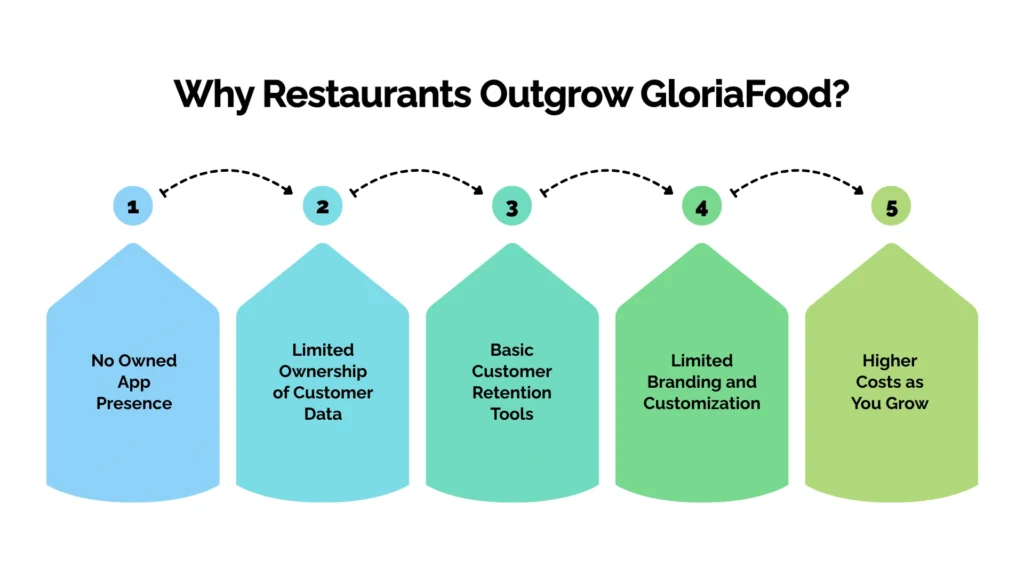
No Owned App Presence
GloriaFood works through a website widget, so your customers don’t have a dedicated app with your restaurant’s name and logo on their home screen. Without that constant brand presence, it’s easier for customers to forget about your restaurant and order elsewhere.
Limited Ownership of Customer Data
GloriaFood stores order and customer information; growing restaurants often need deeper access to this data for CRM integration, email marketing, and personalized campaigns. A branded ordering platform gives you greater control over these valuable customer relationships.
Basic Customer Retention Tools
GloriaFood offers loyalty and marketing features, but they’re relatively limited. Restaurants looking to increase repeat orders often need advanced capabilities.
Limited Branding and Customization
The ordering experience on GloriaFood follows a fairly standard layout, especially on the free plan. This makes it difficult to create a unique digital experience that reflects your restaurant’s personality, branding, and customer experience.
Higher Costs as You Grow
As your restaurant handles more online orders or expands to multiple locations, additional features and subscriptions can increase your overall costs. In many cases, investing in a branded ordering app with predictable pricing becomes a more cost-effective solution over the long term.
What “Branded Ordering App” Means
A branded ordering app is a food-ordering platform, usually a website plus iOS/Android app built entirely under a restaurant’s own name, logo, and colors. Unlike third-party marketplaces (DoorDash, Uber Eats) or a widget tool (GloriaFood), a branded app gives the restaurant:
- Its own listing in the Apple App Store and Google Play Store
- Full ownership of customer contact and order data
- Push notifications and SMS/email marketing built on that owned data
- Loyalty programs, gift cards, and repeat-order discounts configured by the restaurant
- Commission-free or flat-fee order processing (varies by provider)
Step-by-Step: How to Switch from GloriaFood to a Branded App
Below are some steps to help you switch from GloriaFood to a branded app.
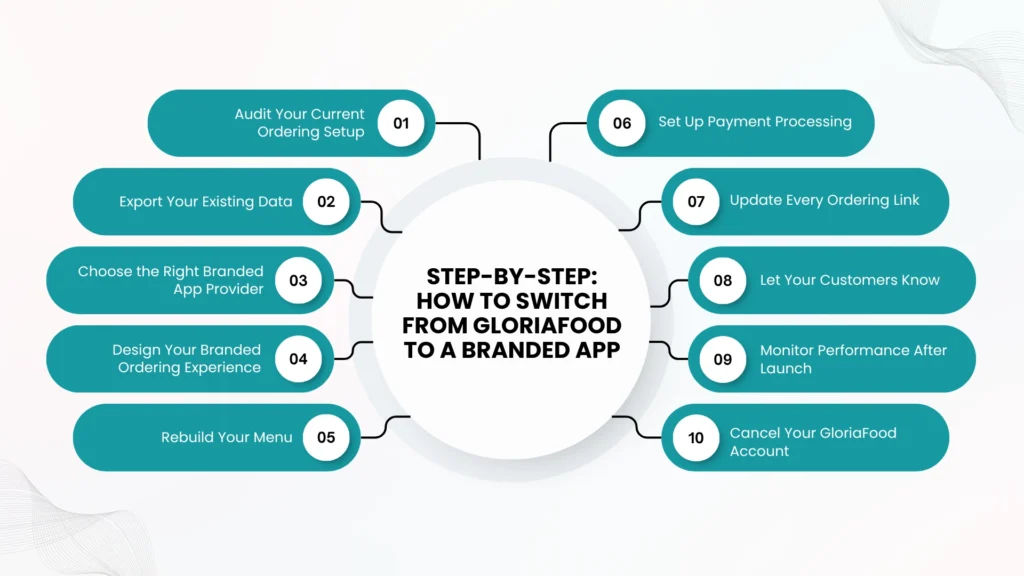
Step 1: Audit Your Current Ordering Setup
Before migrating, review how your current ordering system works. Take note of these things before migration:
- Your menu
- Payment methods
- Delivery settings
- Pickup options
- Coupons
- Business hours
- Integrations
- Any custom workflows
This data helps ensure nothing is overlooked during the migration.
Step 2: Export Your Existing Data
Before making the switch, back up all the important data from your GloriaFood account. Export your menu, including categories, items, prices, modifiers, images, and descriptions.
If your plan allows, also download your customer list and order history. Having this information ready will make the migration faster and help ensure nothing important is lost during the transition.
Step 3: Choose the Right Branded App Provider
Not all ordering platforms offer the same features, so take time to compare your options. Look for a provider that offers:
- Branded iOS and Android apps
- Easy menu management
- POS integrations
- Secure payment processing
- Transparent pricing
It’s also worth choosing a solution that includes:
- Built-in loyalty programs
- Gift cards
- Marketing tools
- Reliable customer support to support your restaurant’s long-term growth
Step 4: Design Your Branded Ordering Experience
Customize your new ordering platform with your restaurant’s logo, banners, and brand messaging. If available, personalize the app with your own splash screen, promotional banners, and navigation to create a consistent customer experience.
Step 5: Rebuild Your Menu
Once you’ve selected your new platform, import or recreate your menu. Many branded app providers offer menu import tools or even handle the setup for you.
Before launching, carefully review every menu category, item, price, modifier, image, and description. Even small mistakes, such as incorrect pricing or missing add-ons, can affect the customer experience and lead to order errors.
Step 6: Set Up Payment Processing
Connect your preferred payment gateway, whether it’s Stripe, Square, PayPal, or another supported provider. After the setup is complete, place several test orders to confirm that payments are processed successfully, confirmation emails are sent, and refunds work correctly. Testing before launch helps prevent payment issues once customers start ordering.
Step 7: Update Every Ordering Link
To make the transition easy, replace every GloriaFood ordering link with your new branded ordering page. Update your website, QR codes on tables and packaging, Google Business Profile, Facebook, Instagram, email signatures, and any other place where customers can order online. This simple step ensures customers are directed to your new platform instead of the old one.
Step 8: Let Your Customers Know
Don’t assume customers will automatically discover your new app. Announce the launch through email, SMS, social media, and in-store signage.
Encourage downloads by offering a limited-time incentive, such as a discount or a free delivery for the first order placed through your new branded app.
Step 9: Monitor Performance After Launch
For the first few weeks, closely monitor orders, customer feedback, payment processing, app downloads, and technical performance. Resolve any issues quickly and continue encouraging customers to order through your branded app.
Step 10: Cancel Your GloriaFood Account
After your new ordering system has been running smoothly for several days and you’ve confirmed that customers are successfully placing orders, you can safely cancel your GloriaFood subscription.
Before closing your account, make one final check to ensure all website widgets, ordering buttons, and links have been updated so customers are no longer directed to the old platform.
GloriaFood vs. a Branded Ordering App
Look at the table below and understand the differences between GloriaFood vs branded ordering app.
| Factor | GloriaFood | Branded Ordering App |
| App store presence | No dedicated app | Own iOS/Android app |
| Customer data ownership | Limited | Full ownership |
| Branding | Shared widget design | Fully custom |
| Marketing tools | Basic | Push notifications, loyalty, SMS/email |
| Pricing model | Free plan + paid add-ons | Usually flat monthly fee |
| Setup effort | Very low | Moderate (1-3 weeks) |
Common Challenges During Migration (And How to Avoid Them)
Switching from GloriaFood to a branded ordering app is usually an easy process, but like any system migration, a few challenges can arise. The good news is that most of them are easy to avoid with a little planning.
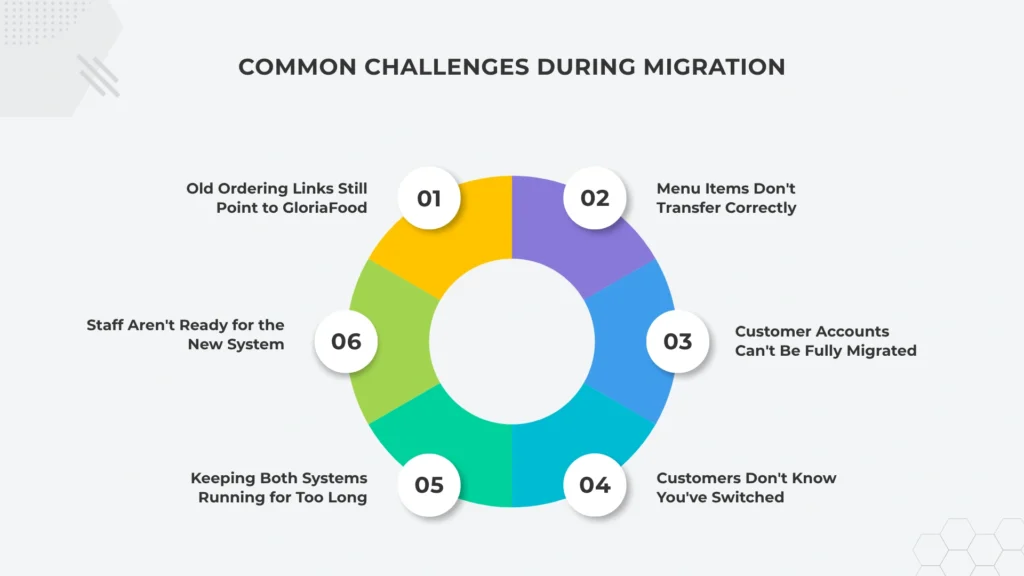
1. Old Ordering Links Still Point to GloriaFood
One of the biggest mistakes restaurants make is forgetting to update all their ordering links. Even after launching your new app, customers may still click the old GloriaFood link from your Google Business Profile, social media pages, QR codes, email signatures, or online directories.
How to avoid it: Create a checklist of every place your ordering link appears and update them all before or on launch day. So, every customer is directed to your new branded ordering platform.
2. Menu Items Don’t Transfer Correctly
Many GloriaFood alternatives offer menu import tools, but not every menu item transfers perfectly. Prices, add-ons, or customization options can sometimes be imported incorrectly, leading to ordering errors.
How to avoid it: Carefully review your entire menu before going live. Pay special attention to your best-selling items, pricing, and images to make sure everything is accurate.
3. Customer Accounts Can’t Be Fully Migrated
In most cases, customer accounts, saved payment methods, and order history can’t be transferred completely between different ordering platforms. This can affect the customer experience if not handled properly.
How to avoid it: Export any available customer data before switching and encourage customers to create an account on your new app by offering a welcome discount or another exclusive incentive.
4. Customers Don’t Know You’ve Switched
Launching a new ordering app doesn’t automatically mean customers will start using it. Many will continue searching for your old ordering page simply because they don’t know there’s a new option available.
How to avoid it: Announce your new app through email, SMS, social media, your website, and in-store signage. A limited-time launch offer can also encourage customers to download the app and place their first order.
5. Keeping Both Systems Running for Too Long
Some restaurants continue using GloriaFood alongside their new ordering platform for weeks or even months. This may seem safer, but it often creates duplicate workflows, staff confusion, and inconsistent order reporting.
How to avoid it: Run both systems only for a short testing period. Once you’re confident the new platform is working smoothly, choose a clear transition date and fully move to your branded ordering app.
6. Staff Aren’t Ready for the New System
Even the best ordering platform can create problems if your team isn’t familiar with it. Different order notifications, kitchen workflows, or POS integrations may cause delays or missed orders during the first few days.
How to avoid it: Train your staff before launch and run a few test orders together. Once the new system is live, remove or disable the old GloriaFood setup to avoid confusion.
Cost of Switching to a Branded Ordering App
Switching from GloriaFood is usually affordable. Most restaurants pay little or no upfront cost, followed by a monthly fee of around $50–$300, depending on the provider and the features they choose.
Many branded ordering apps use a fixed monthly pricing model instead of charging commissions on every order. Restaurants often recover the cost through more direct orders and fewer fees.
What Are You Paying For?
Unlike GloriaFood’s free plan with optional add-ons, most branded ordering apps offer simple pricing in one of two ways:
- Flat monthly subscription: You pay one fixed monthly fee that covers your branded website, mobile app, hosting, maintenance, and software updates, no matter how many orders you receive.
- Monthly fee plus a small transaction fee: Some providers charge a lower monthly fee along with a small fee for each order processed.
Unlike third-party delivery platforms such as DoorDash and Uber Eats, which can charge 15% to 30% commission per order. Branded ordering apps are designed to help restaurants keep more of their revenue.
| Cost Item | Estimated Cost |
| App and website setup | $0–$500 |
| Monthly subscription | $50–$300/month |
| Payment processing | 2.6%–3.5% per transaction |
| Menu migration | Usually included |
| Loyalty and marketing tools | Often included |
| App Store publishing | Usually included (developer fees may apply) |
Hidden Costs to Check Before You Buy
Before choosing a provider, ask about any extra charges, such as:
- Fees for advanced branding or custom designs.
- Whether you’re signing a monthly or annual contract.
- Apple App Store developer account fees.
- Charges for exporting your data if you switch providers in the future.
Is It Worth the Cost?
For many restaurants, the answer is yes. For example, if your restaurant generates $15,000 in monthly online orders through a marketplace that charges a 25% commission, you’d pay around $3,750 in commission fees every month.
A branded ordering app costing $300 per month is significantly less expensive and gives you direct access to your customer data.
Why Enatega Helps Restaurants Migrating From GloriaFood
Choosing a provider is the step that determines whether migration actually solves the problems that pushed you to leave GloriaFood in the first place.
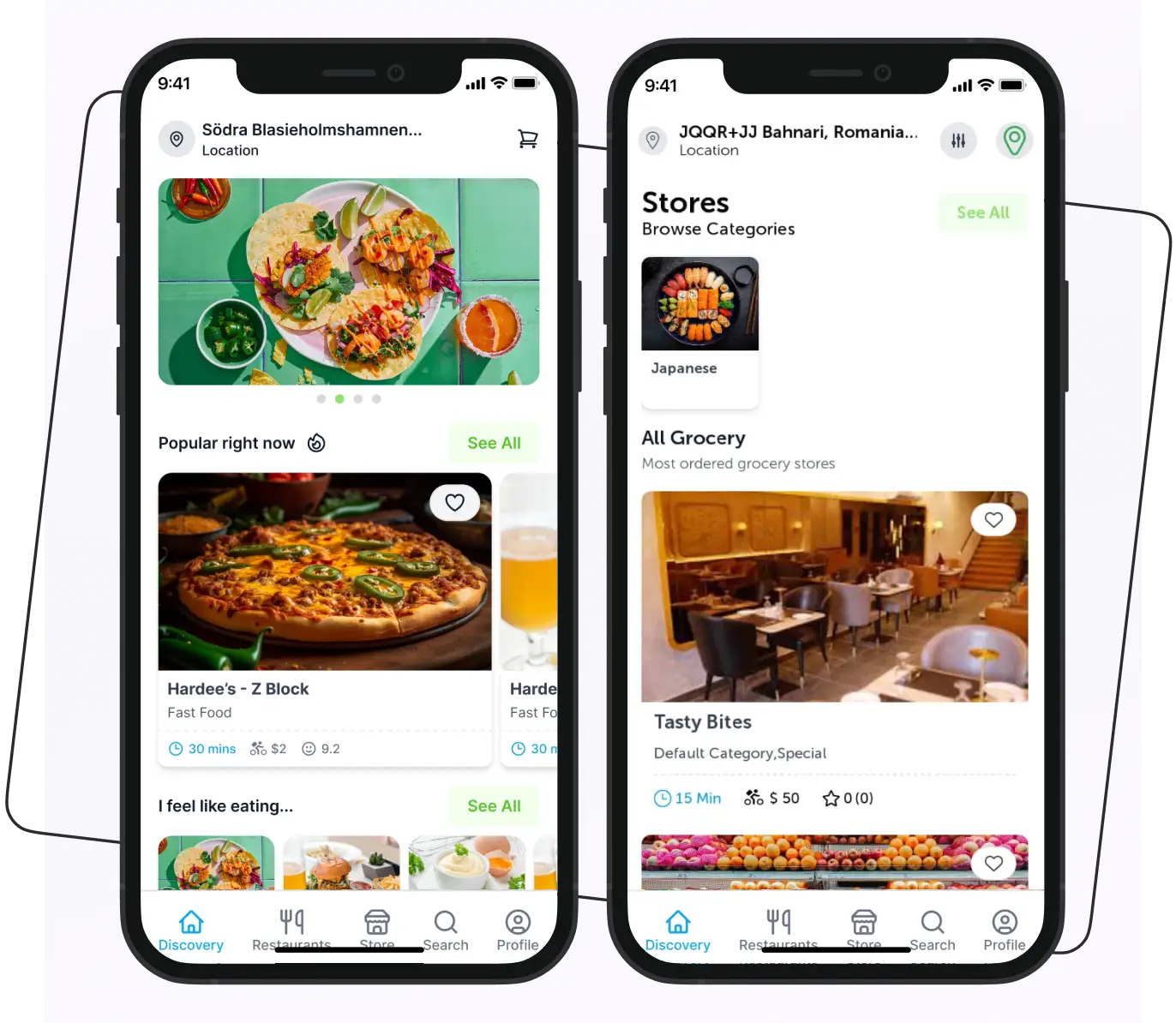
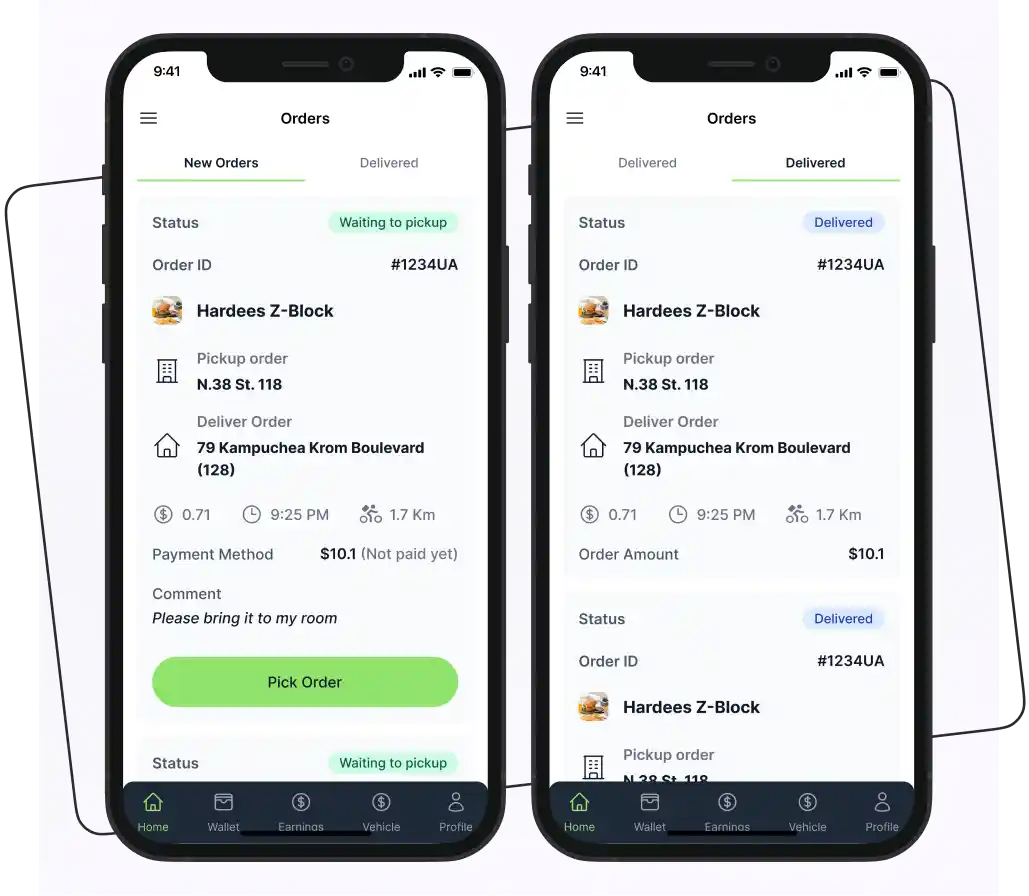
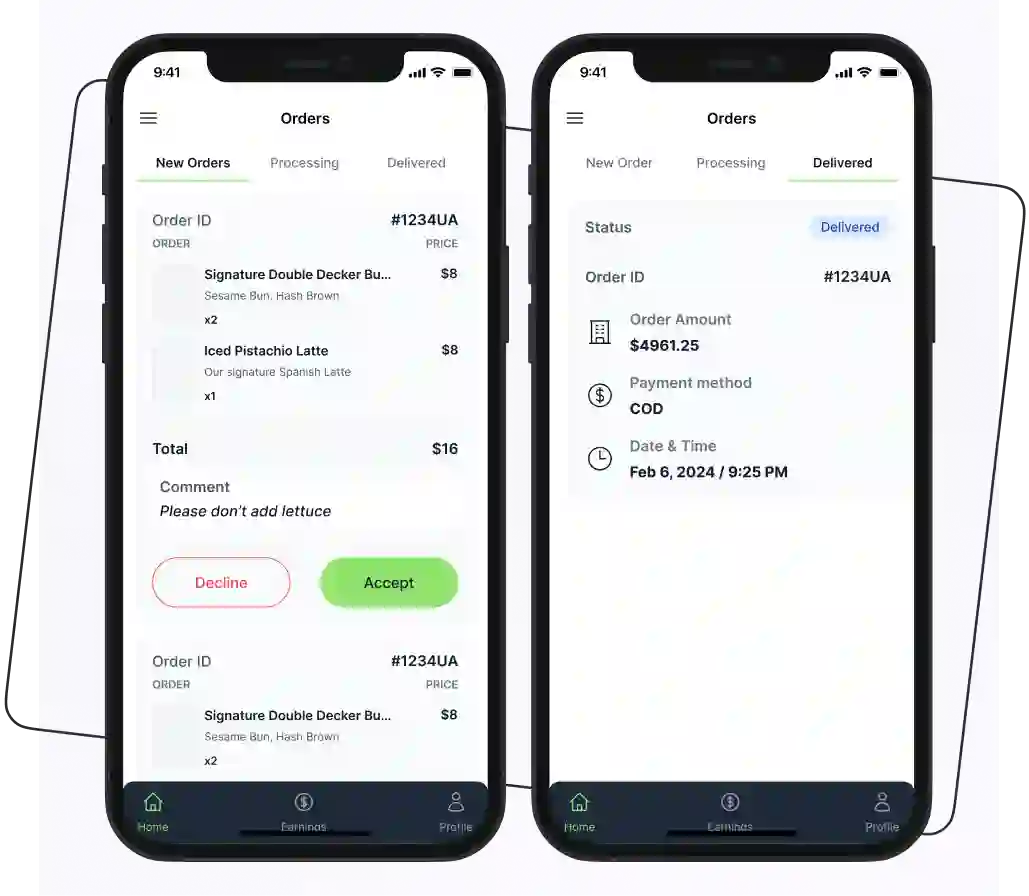
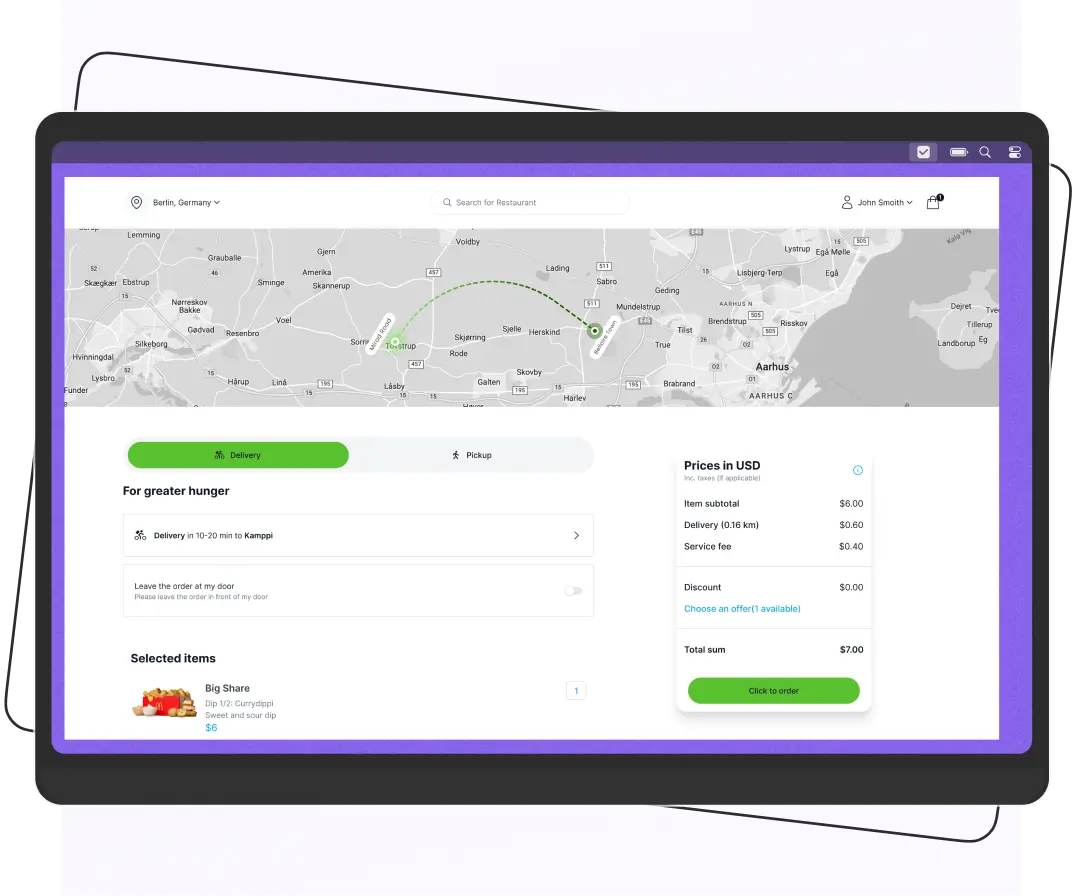
Enatega is built specifically for restaurants making this jump. A fully branded, white-label ordering app rather than another shared widget.
With Enatega, you will get:
- Your own app, not a rented widget. Enatega delivers a dedicated iOS and Android app under your restaurant’s name and logo, listed directly on the App Store and Google Play. The app-store presence GloriaFood never offered.
- Full ownership of customer data. Every order, contact, and repeat customer flows into a system you control. So you can build real marketing on top of it instead of starting from zero.
- Menu migration support. Enatega’s setup process is built to handle the exact pain point most migrations hit: modifiers, combo pricing, and item customizations so your menu isn’t rebuilt from scratch by hand.
- Flat, predictable pricing. No per-order commission model, which means the cost comparison against marketplace fees (and GloriaFood’s paid tiers) tends to favor Enatega as order volume grows.
For restaurants that have outgrown GloriaFood, Enatega makes it easy to move beyond a basic ordering widget. It helps you launch a fully branded ordering app that customers can download, use regularly, and recognize as your restaurant’s own.
FAQs
Export your menu, including categories, items, prices, images, and modifiers, along with any available customer and order data. Backing up this information makes the migration much easier and helps prevent data loss.
A GloriaFood migration checklist is a step-by-step plan that includes:
Exporting your data
Setting up your new ordering app
Testing payments
Updating all ordering links
Notifying customers
Canceling your GloriaFood account after a successful launch.
Run your new ordering system alongside GloriaFood for a few days. Test the entire ordering process, and update all website links, QR codes, and social media profiles before making the final switch.
Most restaurants can migrate from GloriaFood in a few days to two weeks. It depends on the size of their menu, required integrations, and how quickly they complete testing and setup.
The most common mistake is forgetting to update old ordering links and QR codes. This can send customers to outdated pages and result in missed orders after the new system goes live.
Supercharge your deliveries with Enatega.
Launch NowConclusion
GloriaFood is a great starting point, but it doesn't have to be your final destination. As your restaurant grows, a branded ordering app gives you more control over your brand, your customers, and your profits.
The switch is simpler than most restaurant owners expect. With the right planning, you can move your menu, keep customers ordering, and create an experience that's truly your own. If you're ready to grow beyond a basic ordering widget, now is the perfect time to make the move.
About the author

Hudaibia Khalid is a senior content writer with several years of experience in creating clear and easy-to-understand content. Over the years, she has worked closely with startups, restaurants, and entrepreneurs, helping them simplify complex digital and technical topics into actionable insights.
Her expertise lies in writing about on-demand platforms, food delivery solutions, and business growth strategies in a way that is accessible even to non-technical readers. With her experience in the industry, she focuses on guiding businesses step by step, from understanding ideas to turning them into fully working solutions.
SHARE






 IOS
IOS Android
 Web
Web